Advantage+ audience is Meta’s newer way of targeting. Instead of telling Meta exactly who to show your ads to, you give it suggestions, and it is free to go beyond them if it finds people more likely to act. For many advertisers it has replaced the old habit of stacking interests.
Does it work for lead generation? Sometimes very well, sometimes not. Here is how we decide.
Advantage+ audience vs detailed targeting vs lookalikes
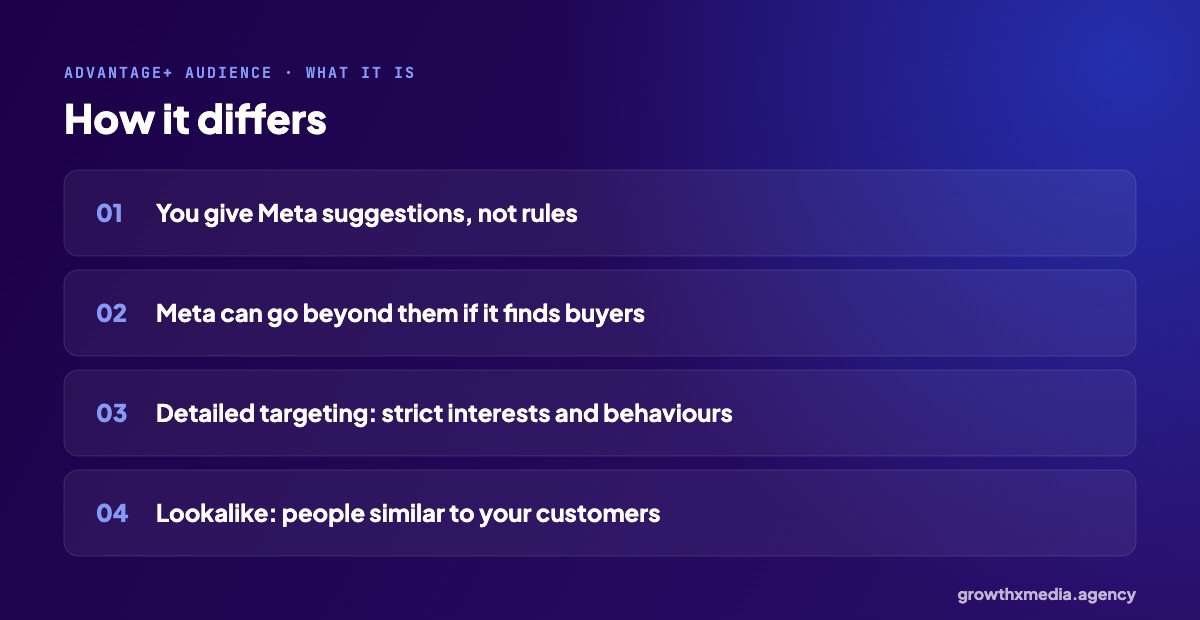
- Advantage+ audience: your age, gender and interest inputs are suggestions. Meta uses them as a starting point.
- Detailed targeting: strict interests and behaviours, so ads only reach people who match.
- Lookalike: people similar to a list you upload, usually customers.
How we test Advantage+ audience
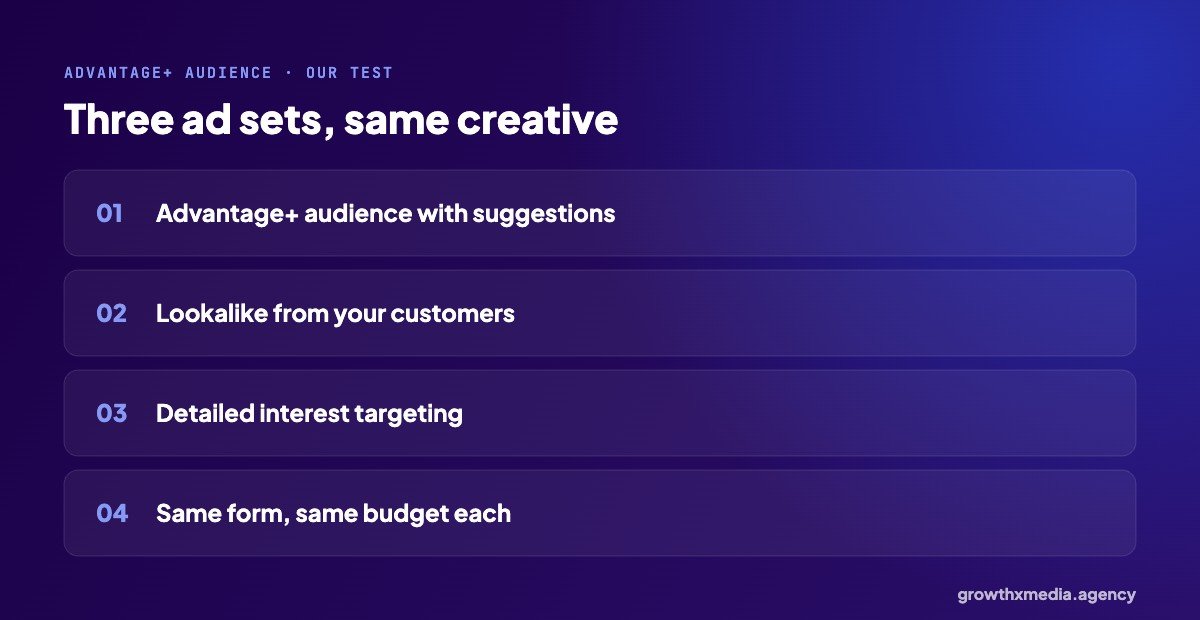
We never assume one wins. In a new account we run three ad sets side by side with the same creative, the same lead form and the same budget: Advantage+ audience, a lookalike from customers, and detailed targeting. After a week or two the numbers usually show a clear leader.
For an industrial engineering company, an audience built from the company’s own data won at ₹9.05 per lead. In other accounts, broad targeting has done just as well. See lookalike audience for B2B for the full example.
When Advantage+ audience usually wins
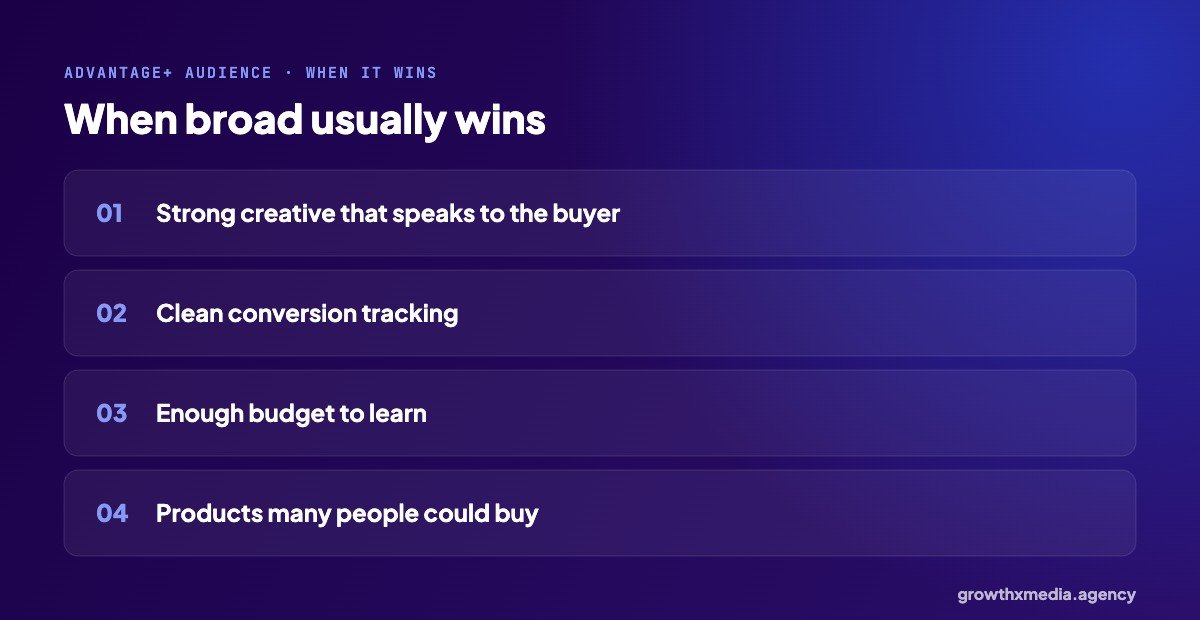
- The creative clearly speaks to the right buyer, so the ad itself does the targeting.
- Conversion tracking is clean, so Meta learns from real leads.
- There is enough budget for the ad set to leave the learning phase.
- The product is something many people could buy.
Creative matters more with broad targeting, not less. Our creative testing guide covers how we find ads that work.
When to be careful
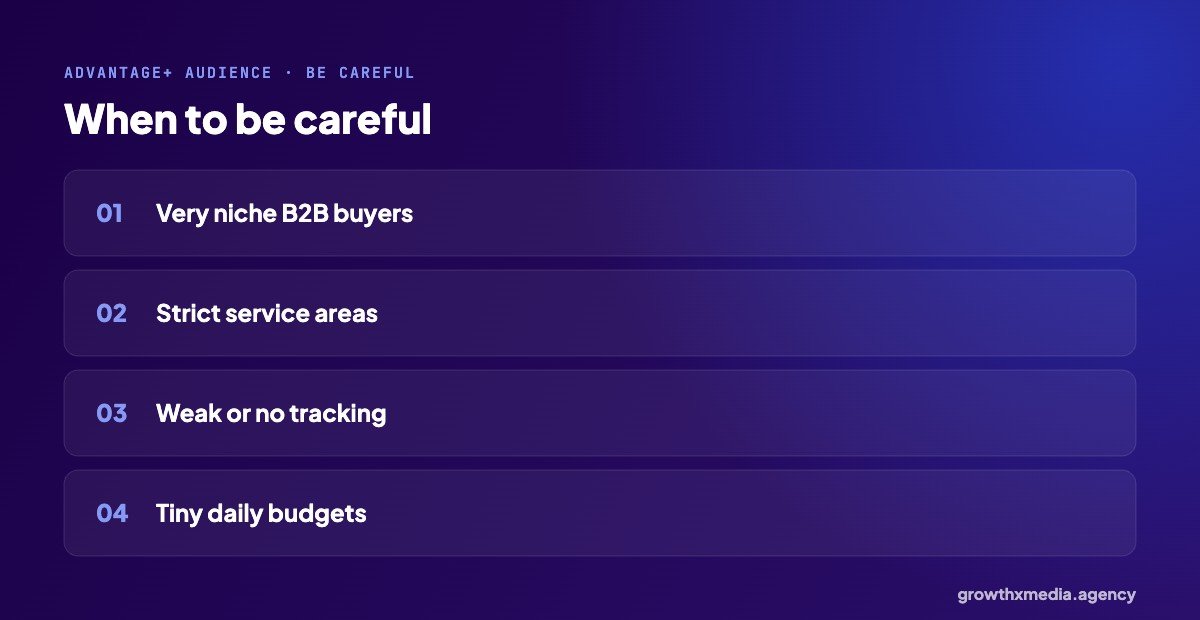
- Very niche B2B buyers, where only a small group could ever buy.
- Strict service areas: always set the location firmly, even with Advantage+ audience.
- Weak tracking: Meta can’t learn who your buyers are.
- Tiny budgets that never get enough results to learn.
If leads from broad targeting are weak, qualifying questions in the form help a lot. See Facebook lead form questions.
Setting up an Advantage+ audience test step by step
- Create one campaign with the Leads objective and an ad set budget for each ad set.
- Ad set 1: Advantage+ audience, with your location set firmly and a few interest suggestions.
- Ad set 2: a 1% lookalike of your customers, if you have a list.
- Ad set 3: detailed targeting with your best interests.
- Use the same two or three ads and the same lead form in all three.
- Give it one to two weeks before judging, then compare cost per lead and lead quality.
Look at lead quality as well as cost. Broad targeting sometimes brings cheaper leads that are weaker; qualifying questions in the form fix most of that.
Why Meta pushes broad targeting
Meta’s delivery system now uses many more signals than the interests advertisers pick, like what people engage with and who has converted for similar advertisers. When your creative is clear and your tracking is clean, those signals often find buyers that a hand-picked interest list would miss.
That is also why tracking matters so much. If Meta only learns from form fills, broad targeting finds form fillers. If it learns from real customers through the Conversions API, it finds more customers.
What we see in B2B
For trade buyers, a lookalike from the company’s own customer data has often won. An engineering company’s data-led audience brought 458 leads at ₹9.05. But it is always worth testing broad alongside it. See B2B leads on Facebook.
Advantage+ audience: quick answers
Should I still add interests?
You can, as suggestions. They help Meta start in the right place, especially for new accounts.
Can I exclude existing customers?
Yes, by excluding a customer list, which is useful when you only want new buyers.
Meta explains it on its ad targeting page. Or ask for a free ad account audit.
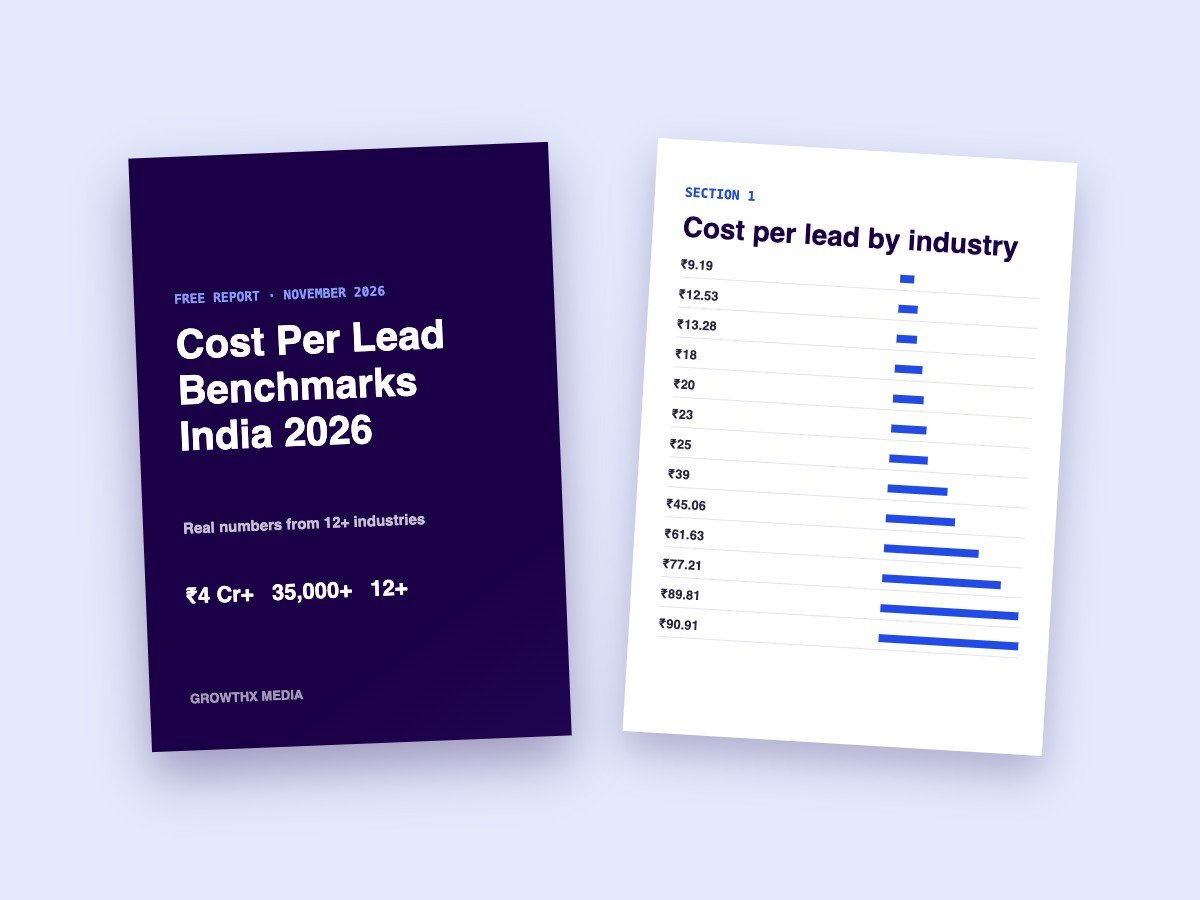
Want every benchmark in one place? Download our free cost per lead report with numbers from 13 industries.