The Conversions API for lead generation fixes a problem most ad accounts don’t know they have. Meta optimises for whatever you tell it counts as a result. If the only thing you report is a form fill, Meta gets very good at finding people who fill forms. That is not the same as finding people who buy.
This guide explains, in plain words, what the Conversions API does and how to set it up for a lead generation business. No numbers this time, because tracking is the plumbing behind the numbers, not a result on its own.
Why the Meta Pixel alone isn’t enough
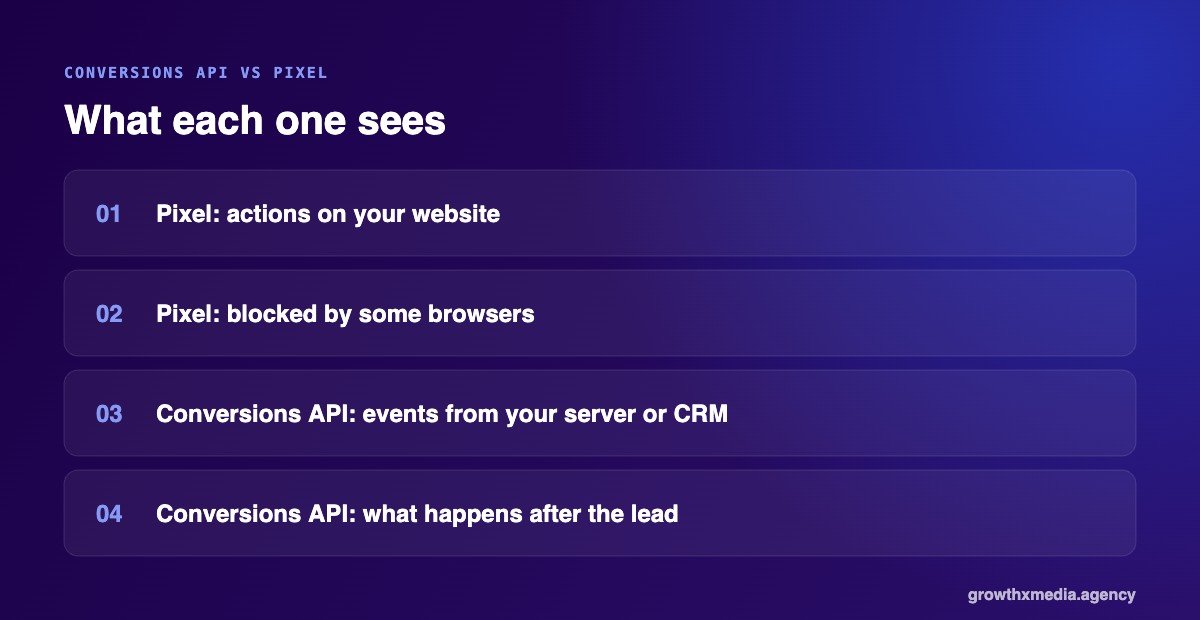
The Pixel is a bit of code on your website that tells Meta when someone does something, like submit a form. It has two big gaps for lead generation:
- It misses events. Browsers, ad blockers and privacy settings stop some Pixel events from reaching Meta.
- It only sees the website. The sale usually happens later, on a phone call, on WhatsApp or in your showroom. The Pixel never sees it.
The Conversions API sends events from your server or CRM straight to Meta. That fills in the gaps, and, more importantly, lets you report what happens after the lead.
How the Conversions API for lead generation works
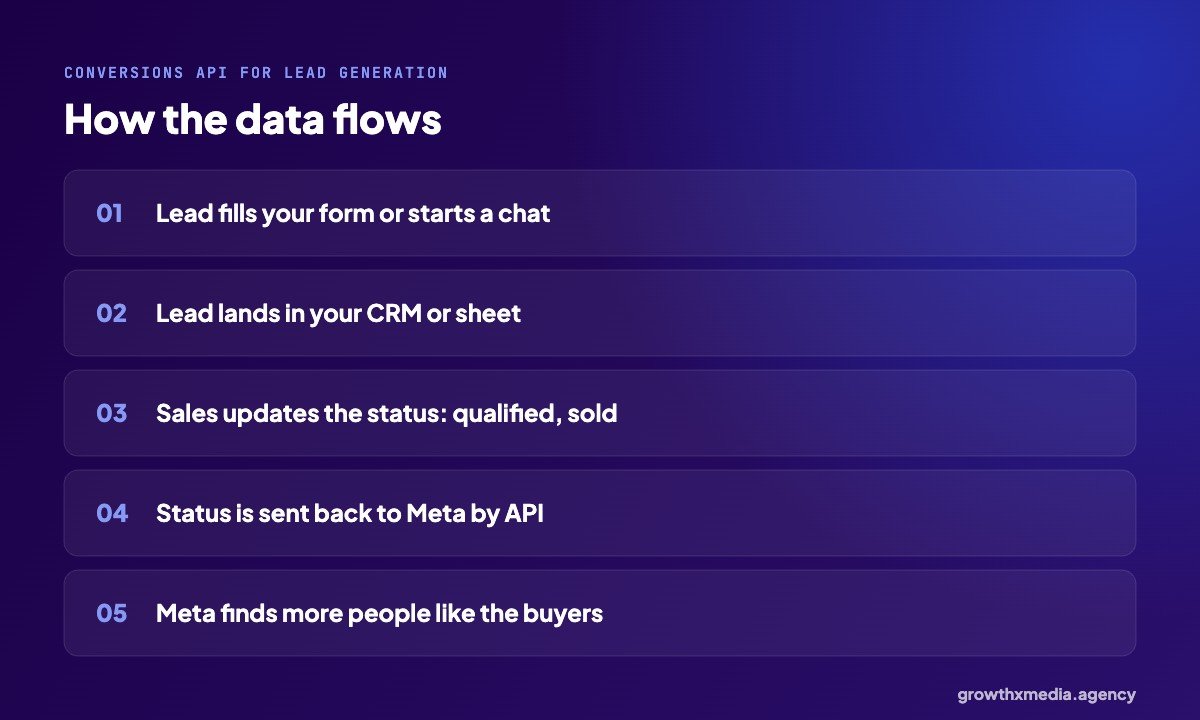
A lead comes in from an instant form, a landing page or a WhatsApp chat. It goes into your CRM, or even a well-kept sheet. Your sales team updates its status as they work it: contacted, qualified, site visit, sold. Those status changes are sent back to Meta, matched to the original lead.
Meta then has something much better to learn from. Instead of “find more people who fill forms”, it can “find more people like the ones who became customers”. Meta has a performance goal built for this, usually called conversion leads, which uses your CRM stages to optimise.
Five steps to set it up
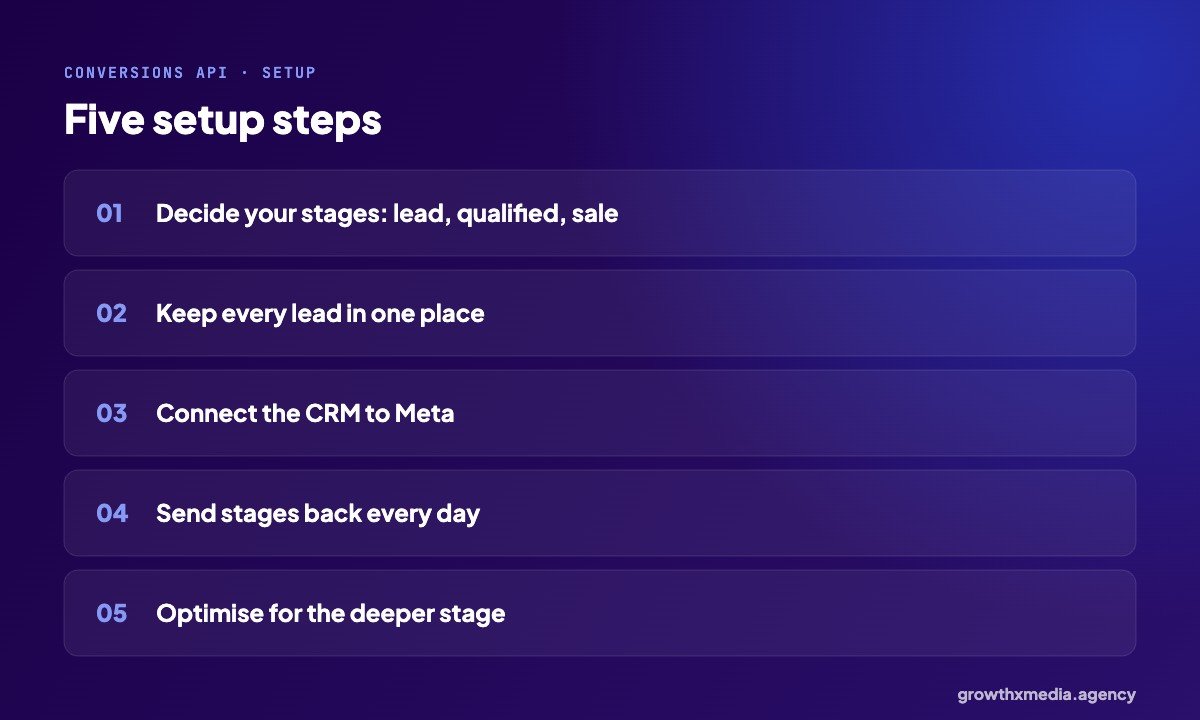
1. Decide your stages
Keep it simple: new lead, qualified, sale. Two or three stages your team will actually update are better than ten they ignore.
2. Keep every lead in one place
If leads sit in five WhatsApp phones and two email inboxes, nothing can be sent back. One CRM or one shared sheet is the starting point.
3. Connect the CRM to Meta
Many CRMs have a built-in Meta connection. Others use a partner integration or a small custom setup. The important part is that each lead keeps its Meta lead ID or contact details so it can be matched.
4. Send stages back regularly
Daily is ideal. Meta learns better from fresh data, and old updates are less useful.
5. Optimise for the deeper stage
Once enough qualified leads or sales are flowing back, switch the campaign to optimise for that stage instead of raw leads. Expect cost per lead to rise and cost per customer to matter more.
Common mistakes
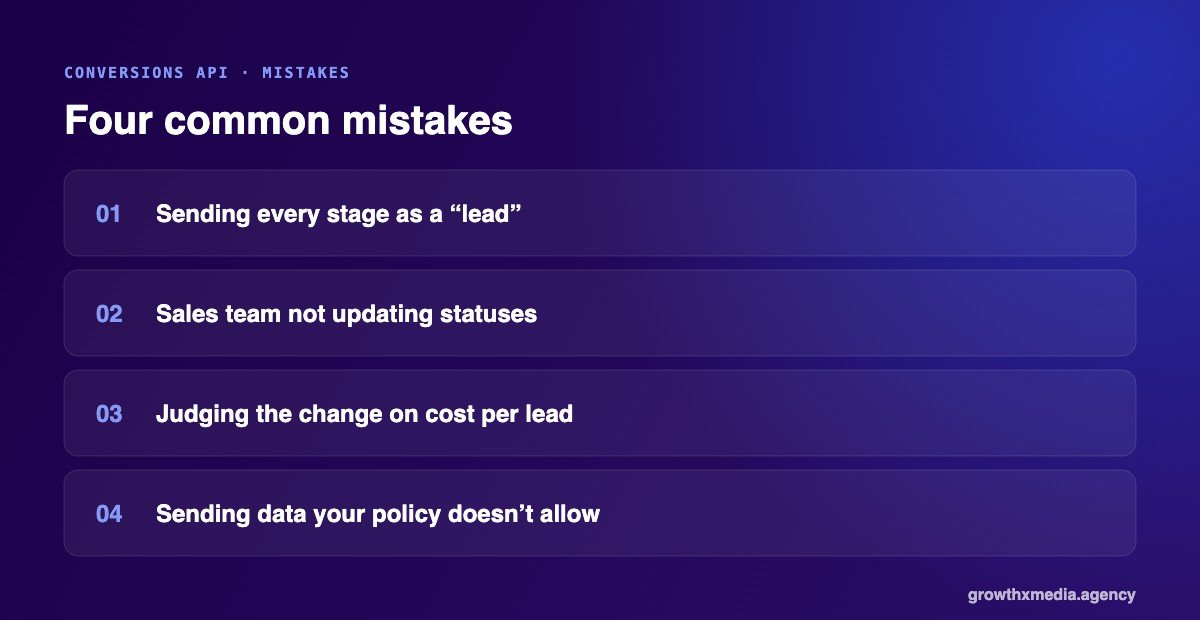
- Sending everything as a “lead”. Meta can’t learn quality if every stage looks the same.
- Not updating statuses. The API is only as good as what your team records.
- Judging the change on cost per lead. Leads may get a little more expensive. Compare cost per sale before and after.
- Sending data you shouldn’t. Only send what your privacy policy allows, and let the integration hash personal data.
Do small businesses need this?
If you spend a few thousand rupees a month and your team calls every lead the same day, a clean Pixel plus good follow-up may be enough for now. Once spend grows, or lead quality becomes the main complaint, the Conversions API is usually the next step. It is part of how we set up tracking in our lead generation services.
What changes after you set up the Conversions API for lead generation
Once the Conversions API for lead generation is running, a few things change, and it helps to know what to expect:
- Reporting gets fuller. Events the Pixel used to miss start showing up, so results in Ads Manager look closer to what your CRM says.
- Meta learns from sales, not just forms. Once enough qualified leads and sales flow back, you can optimise for them.
- Cost per lead may rise. Meta stops chasing the easiest form fillers. Watch cost per sale instead.
- Patience is needed. Campaigns need a steady flow of deeper events before they optimise well. Small accounts take longer.
A simple checklist before you start
Before you set up the Conversions API for lead generation, check these five things:
- Every lead lands in one CRM or sheet, with its source recorded.
- Your sales team agrees on what “qualified” and “sale” mean.
- Someone is responsible for updating lead status every day.
- Your privacy policy covers sharing hashed contact data with ad platforms.
- You know your current cost per sale, so you can compare after the change.
Related reading: Meta Pixel for Lead Generation: A Simple Setup Checklist (6 Steps), Facebook Ads Report: The 4 Numbers Every Weekly Report Needs and Cost Per Lead vs Cost Per Acquisition: Which Number Should You Trust?.
If any of these are missing, fix them first. The API only sends what your team records. We set this up as part of our lead generation services, alongside the Pixel and WhatsApp follow-up.
Quick answers
Is the Conversions API free?
Yes, Meta doesn’t charge for it. The cost is the setup time and, sometimes, a CRM or integration tool.
Do I still need the Pixel?
Yes. Use both. Meta removes duplicates when both send the same event, as long as they share an event ID.
Does it work with instant forms and WhatsApp?
Yes. Instant form leads already carry a lead ID, and WhatsApp chats can be tracked through the WhatsApp Business Platform. Read more in our lead follow-up guide, ask for a free ad account audit, or see Meta’s Conversions API overview.