Facebook lead form questions are the cheapest filter you will ever add to an ad account. A form with only name and phone number lets everyone through. A form with two or three good questions lets through the people who are actually ready to talk.
Adding Facebook lead form questions has a real trade-off: they raise your cost per lead. The point is to get leads your sales team wants to call. Here is how we think about it, with numbers from a machinery account.
What happened when a CNC maker added questions
A CNC machine manufacturer we work with runs two kinds of lead campaign. One collects general enquiries with a simple form. The other is built around quotation requests, with qualifying questions in the form.
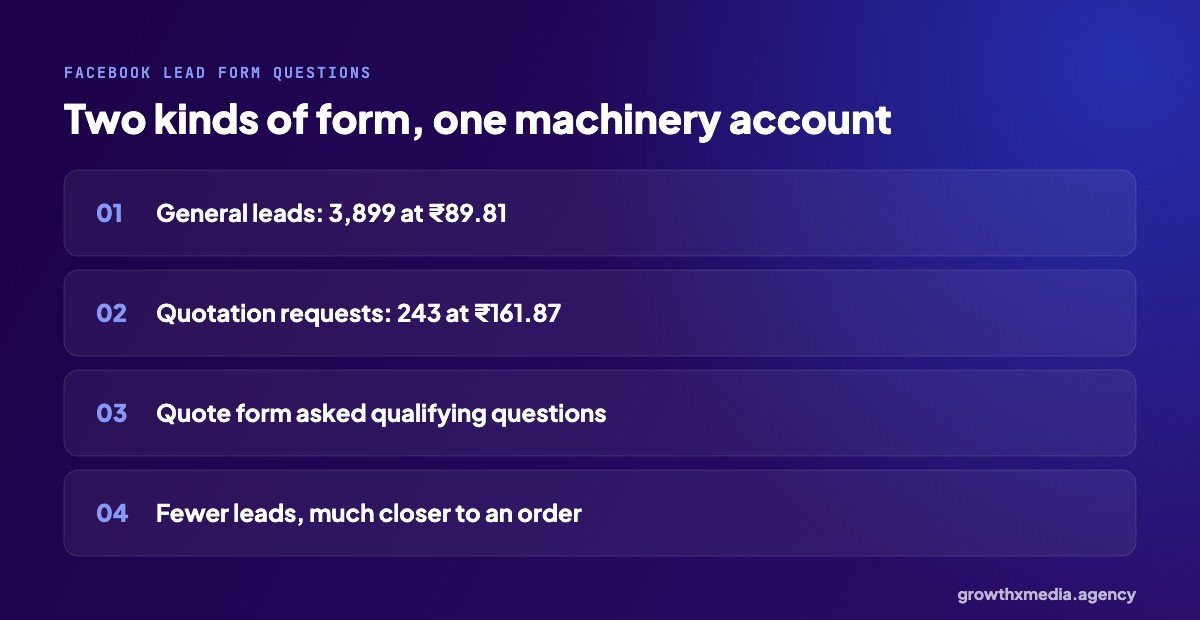
| Form type | Leads | Cost per lead |
|---|---|---|
| General enquiry form | 3,899 | ₹89.81 |
| Quotation request form, with questions | 243 | ₹161.87 |
The quotation form costs almost twice as much per lead and brings far fewer leads. But each of those 243 people asked for a price on a machine. At machine prices, ₹162 for a quote request is a small cost of sale. We go deeper into this account in qualified leads for machinery.
Facebook lead form questions: the types you can use
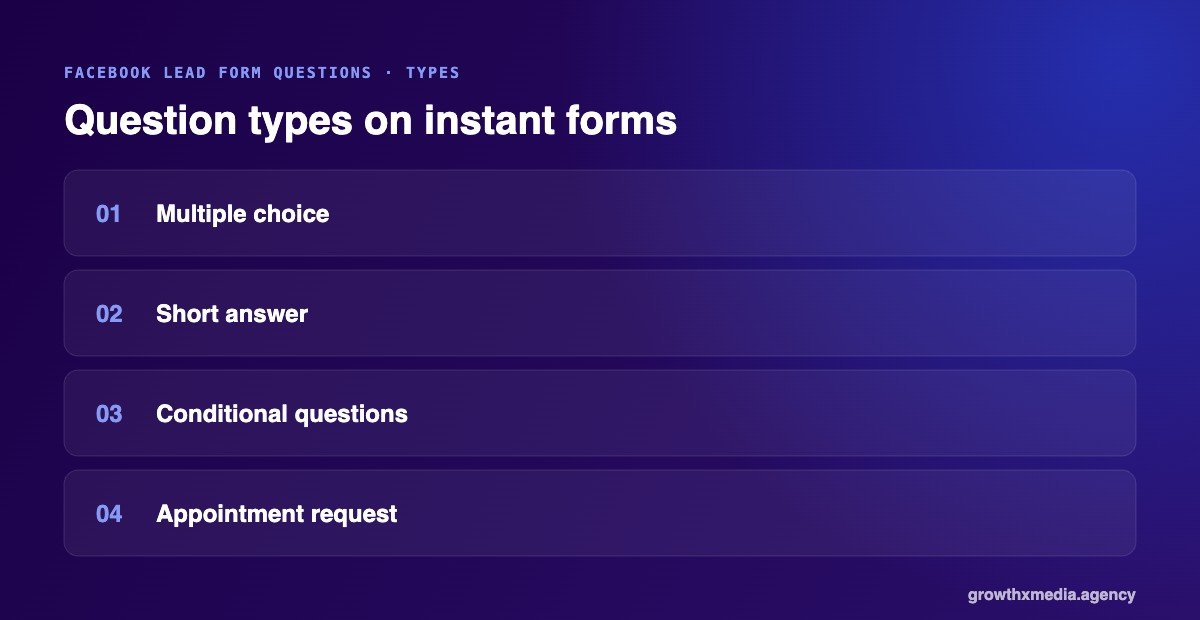
Meta’s instant forms give you a few kinds of custom question:
- Multiple choice. Quick to answer and easy for your team to sort. Best for budget ranges, timelines and product types.
- Short answer. Free text. Useful for one important detail, like quantity or location, but every extra text box lowers how many people finish the form.
- Conditional questions. The next options depend on the last answer, for example city based on state.
- Appointment request. Lets people pick a preferred time for a call or visit.
Meta also lets you choose a form type built for more volume or for higher intent. The higher intent version adds a review step before submitting, which cuts down accidental and half-hearted leads.
Questions worth asking, by industry
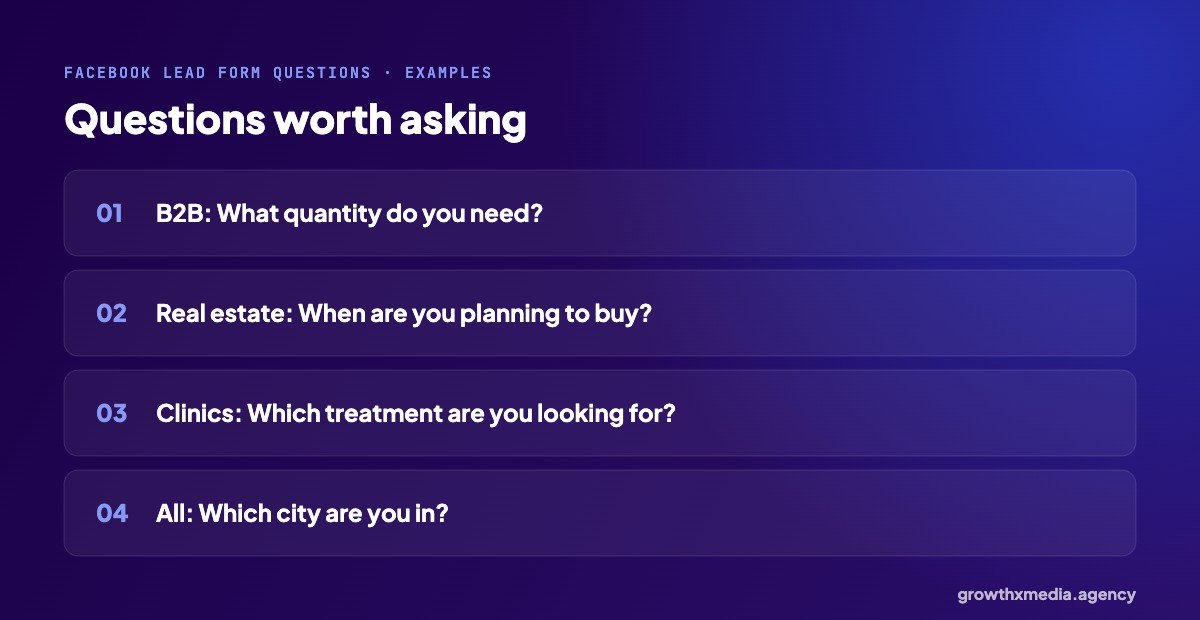
B2B and manufacturers
Ask about quantity, product type or whether they are buying for a business. Trade buyers don’t mind answering; casual browsers drop out. See our B2B lead generation for manufacturers page for how we set these up.
Real estate
Ask about timeline and budget range. “When are you planning to buy?” with options like “within 3 months” or “just exploring” tells your sales team who to call first.
Clinics and hospitals
Ask which treatment they are interested in and which branch suits them. This lets the front desk route the lead and prepare before calling back.
Every business
Ask for the city. If you only serve some areas, this one question can save your team hours of calls to people you can’t help.
How many questions is too many?
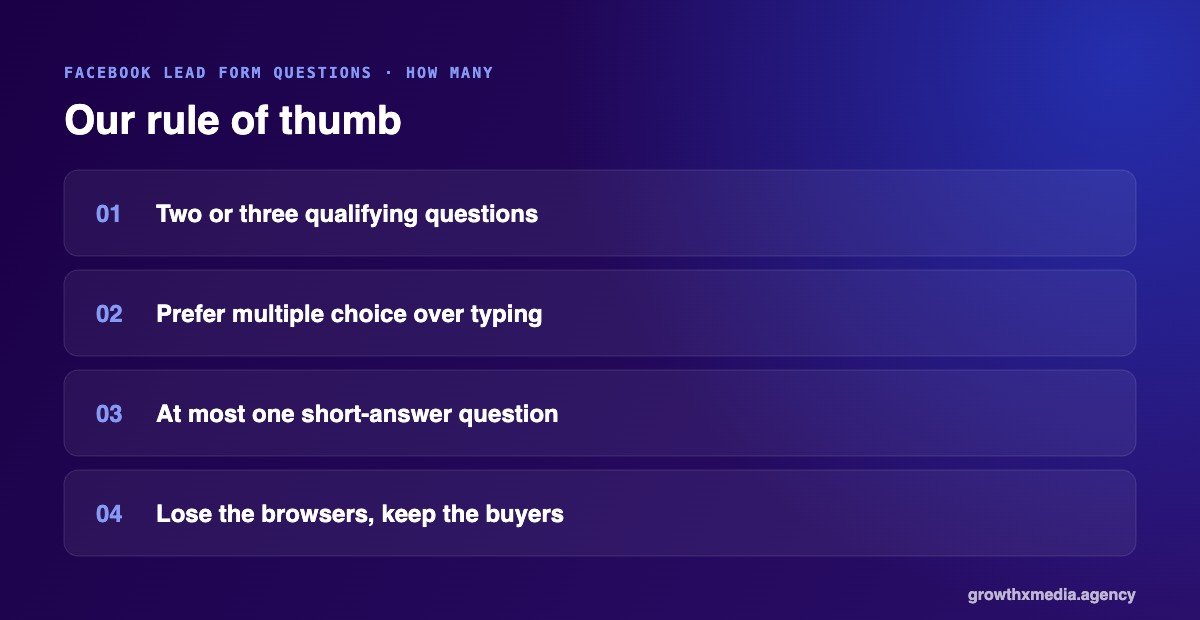
Our rule of thumb for Facebook lead form questions: two or three qualifying questions on top of the contact details. Every extra question loses some people. The goal is to lose the right people, the ones who were never going to buy, not the serious buyers who simply got tired of typing.
Multiple-choice questions cost much less in drop-off than short-answer ones. If you need one free-text answer, keep it to one.
When not to add questions
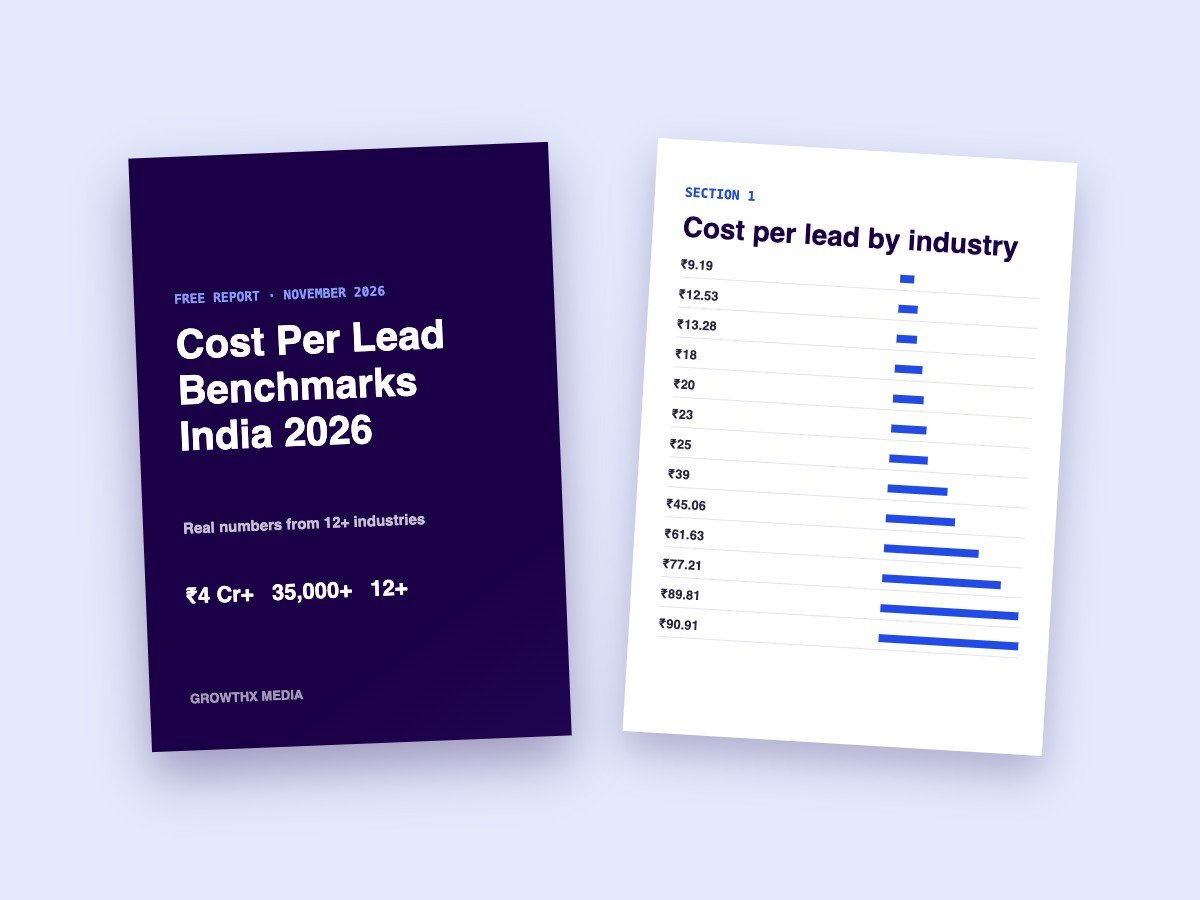
Not every account needs Facebook lead form questions as a filter. If your team can call every lead quickly and your product is low-ticket, more volume may be worth more than fewer, better leads. Some accounts are better off with click-to-WhatsApp, where the qualifying happens in the chat instead. Our engineering client gets form leads at ₹9.19 and still runs WhatsApp for quick enquiries.
Questions are only half of it
A perfectly qualified lead still goes cold if nobody calls. The questions help your team decide who to call first; the follow-up decides whether they buy. We cover that part in why your leads aren’t bad, you’re calling them too late.
Facebook lead form questions: a ready-to-use template
Here is a simple set of Facebook lead form questions you can adapt. Change the wording and options to fit your business, but keep the shape: one question about need, one about timing or size, one about location.
Question 1: What are you looking for?
Multiple choice, with your main products or services as options. This tells your team what to talk about before they call.
Question 2: When do you need it? (or: What quantity?)
Multiple choice: “this month”, “in 1–3 months”, “just exploring”. For B2B, swap this for quantity or order size. People who pick “just exploring” can go to a slower follow-up list.
Question 3: Which city are you in?
A short list of the cities you serve, plus “other”. This one question stops your team calling people you can’t help.
Keep the contact details pre-filled, use Meta’s higher intent form type if lead quality is a problem, and add a short thank-you screen that tells people when you will call. A form that says “we’ll call you within 15 minutes” and then actually does it is worth more than any question.
How to use the answers
Facebook lead form questions only help if your team uses the answers. Sort leads by them: call “this month” buyers first, send “just exploring” leads a WhatsApp message with useful information, and pass B2B leads with large quantities to your senior salesperson. Our lead follow-up guide shows how to automate the first message.
Facebook lead form questions: quick answers
Do lead form questions increase cost per lead?
Usually yes, because fewer people finish the form. In the CNC account, quotation leads cost ₹161.87 against ₹89.81 for general leads. What matters is the cost per sale.
Should I use the higher intent form type?
If your team complains about leads who don’t remember filling the form, yes. The extra review step filters out a lot of accidental submissions.
Related reading: Lead Qualification Process: A Simple 4-Step System for Indian SMEs, Facebook Lead Ads Not Working? 9 Proven Fixes We Use on Audits and Lead Nurturing on WhatsApp: What to Send Leads Who Aren’t Ready Yet.
Want us to look at your form? Ask for a free ad account audit. Meta’s own help on instant forms is on the lead ads page.