A lookalike audience for B2B is one of the few targeting tricks on Meta that still works well. You give Meta a list of your best customers, and it finds people who look like them. For manufacturers, whose buyers are hard to target by interest alone, that can make a big difference.
Here is how two manufacturers we work with used their own data, and what we learned.
Example 1: an engineering company, 458 leads at ₹9.05
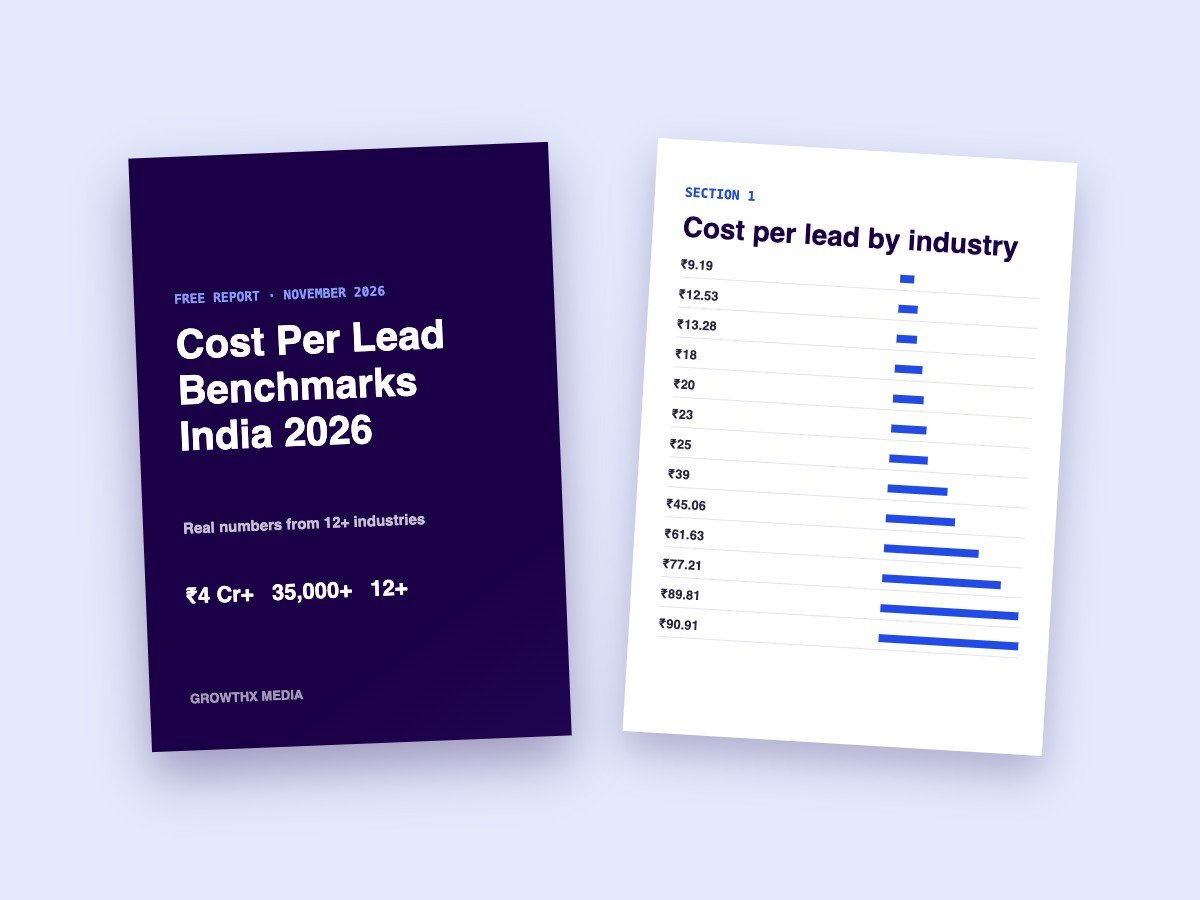
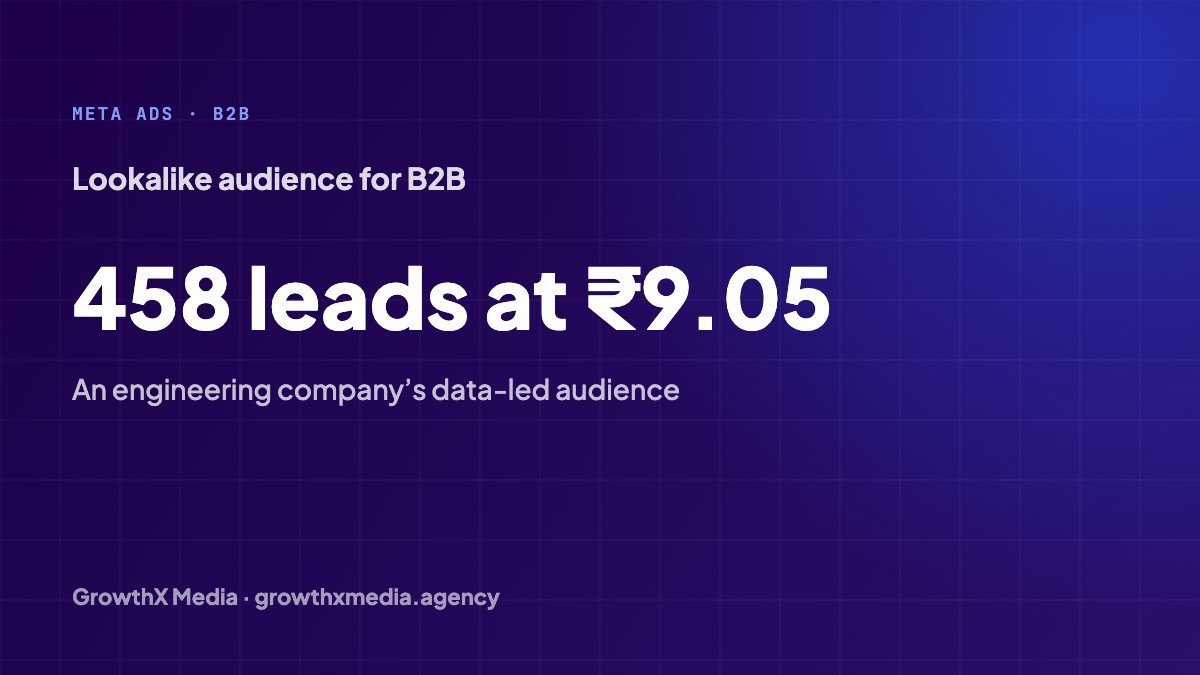
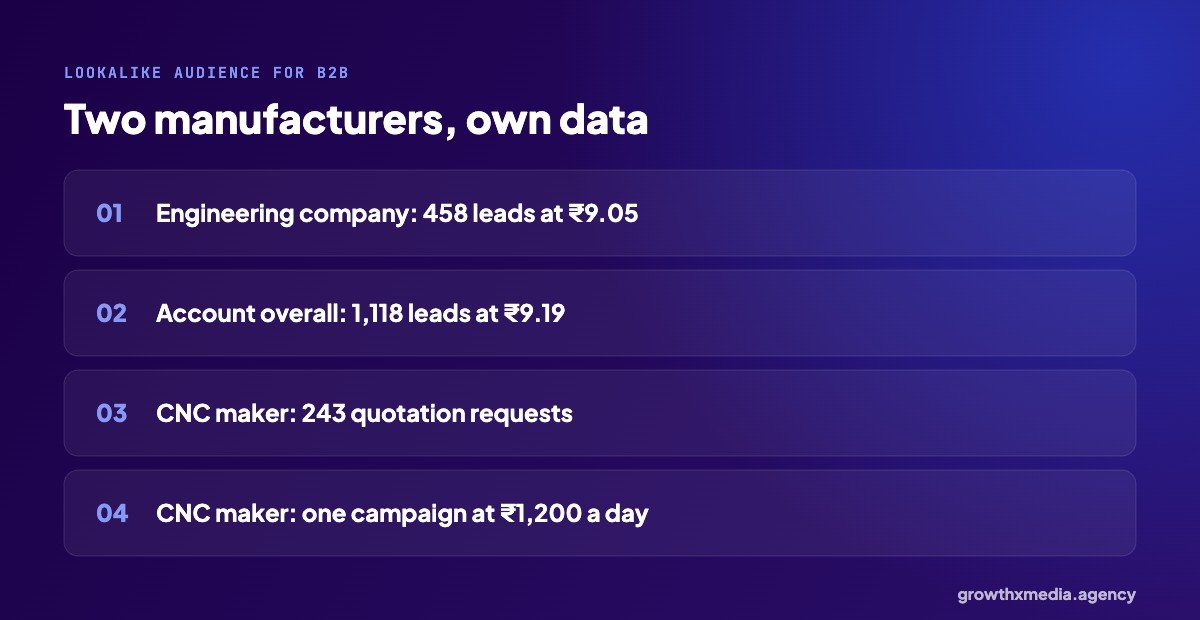
In October 2026, an industrial engineering company we run ads for got 1,118 B2B leads at ₹9.19 each, from ₹11,731 of total spend. The best part of the account was a campaign built on an audience from the company’s own data. That campaign alone brought 458 leads at ₹9.05.
The rest came from two lead-form campaigns at ₹200 a day each and a small WhatsApp campaign. We wrote about the full account in B2B leads on Facebook.
Example 2: a CNC machine maker, 243 quotation requests
A CNC machine manufacturer wanted quotation requests for high-value machines, not casual enquiries. We built lookalike audiences from existing customer data and ran one focused campaign at ₹1,200 a day, with a lead form built around quotation requests.
In one month: 243 qualified quotation requests at ₹161.87 each, from ₹39,334 of spend. For machines at that price, it is a small cost per enquiry.
What is a lookalike audience, exactly?
You upload a source audience: a customer list, website visitors or people who filled your lead form. Meta looks at what those people have in common and finds others in your chosen country who are similar. You pick a size from 1% to 10% of the country. The smaller the percentage, the closer the match.
Building a lookalike audience for B2B, step by step
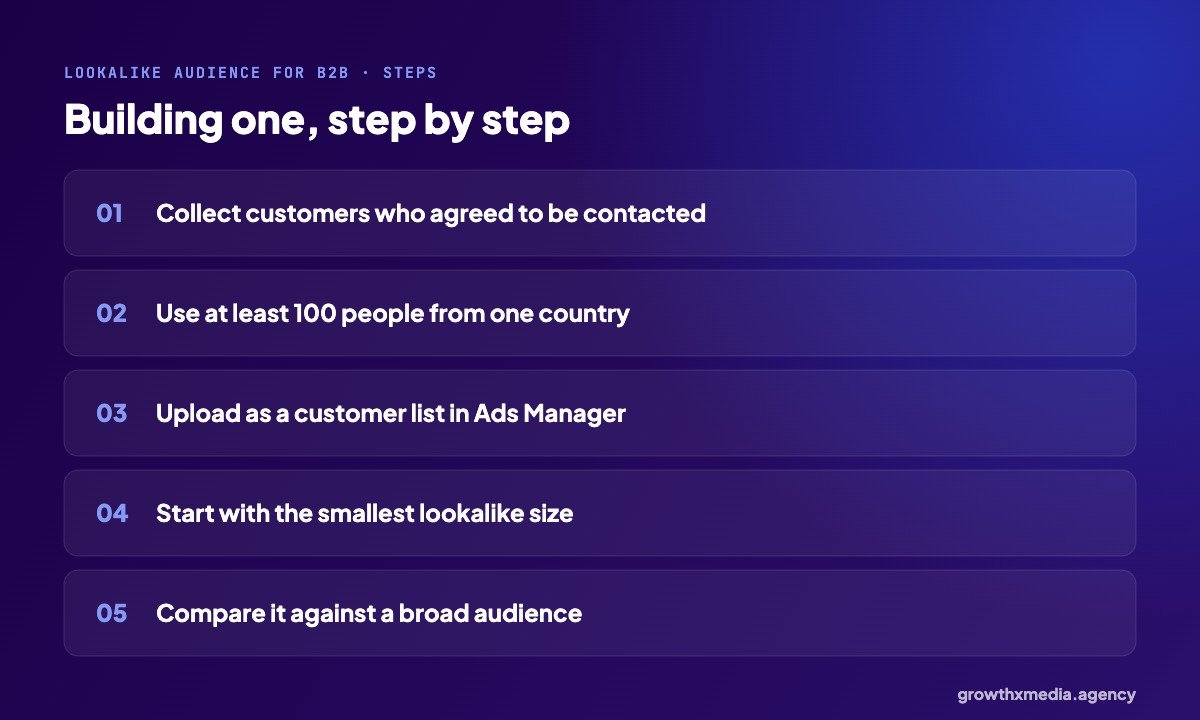
- Start with customers, not leads. A list of people who actually bought is a much better source than everyone who ever enquired.
- Use only data you are allowed to use. Upload contacts who agreed to hear from you. Meta hashes the list before matching it.
- Have at least 100 people from one country. That is Meta’s minimum. A few hundred or more works better.
- Start small. A 1% lookalike is the closest match. Widen it only if the audience runs out.
- Test against broad. Run the lookalike next to a broad audience with the same creative. Sometimes broad wins, and you want to know.
When lookalikes don’t help
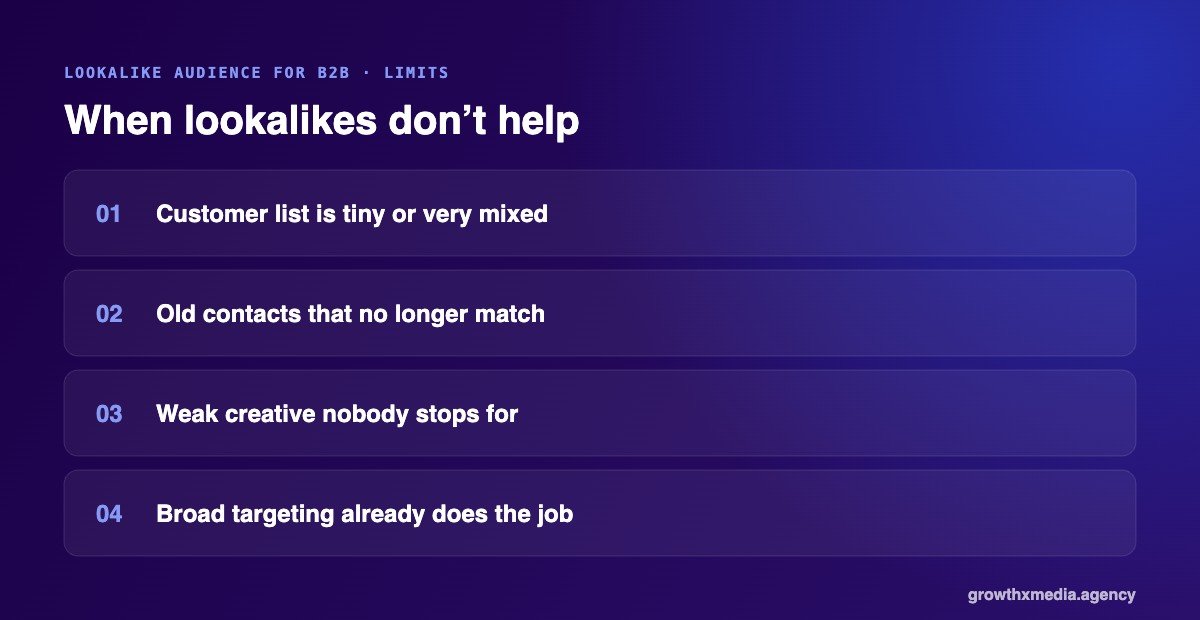
Lookalikes are not magic. They work less well when:
- Your customer list is very small or mixes very different kinds of buyers.
- The list is mostly old contacts with outdated phone numbers and emails, so few of them match.
- Your creative is weak. A good audience can’t save an ad that nobody stops for.
Meta has also become good at finding buyers on its own with broad targeting, so the gap between lookalike and broad is smaller than it used to be. That is why we always test both.
Lookalike audience for B2B: pair it with the right form
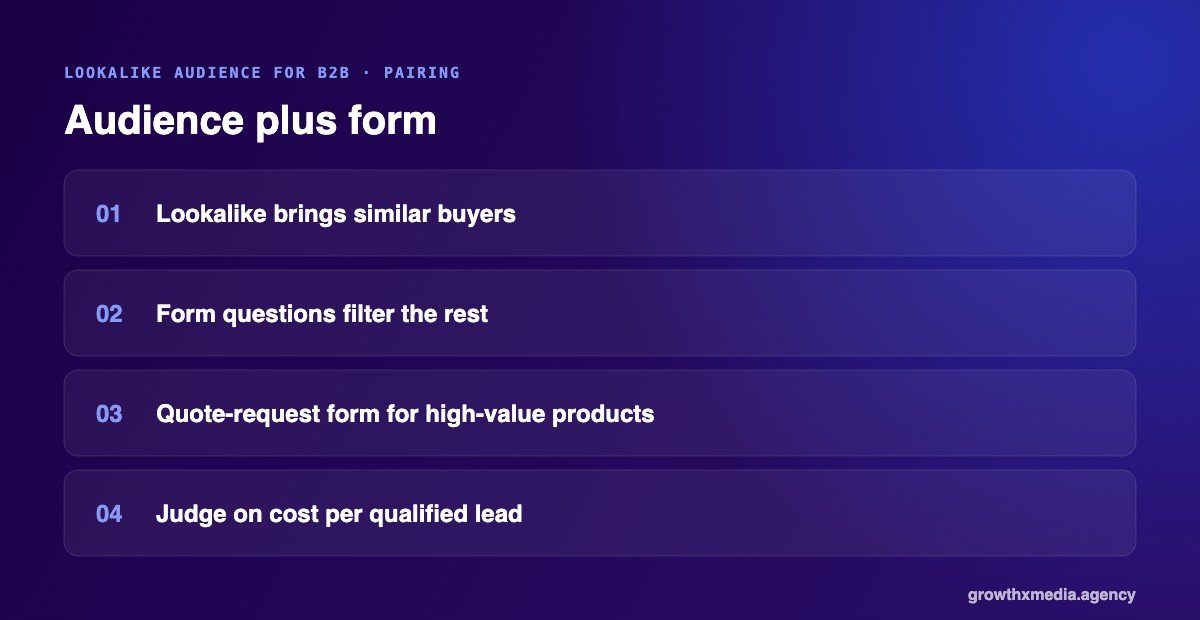
The CNC account didn’t just change the audience. It also asked qualifying questions in the lead form. A good audience brings the right people; good form questions filter out the rest. Our guide to Facebook lead form questions explains how we write them.
Where to get the data for a lookalike audience for B2B
Most manufacturers already have more useful data than they think. Good sources for a lookalike audience for B2B, roughly from best to weakest:
- Customers who placed orders. Your billing or ERP system is often the cleanest list you have.
- Repeat buyers. If you can, build a separate lookalike from your best repeat customers.
- Leads your sales team marked as good. Better than all leads, because it removes the time-wasters.
- People who filled your lead form. A decent source when you don’t have enough customers yet.
- Website visitors or video viewers. Weaker, but useful for brand-new accounts.
Whatever the source, use phone numbers and emails your contacts gave you, and keep the list up to date. A list of a few hundred real buyers beats a list of thousands of random contacts.
How we test a lookalike audience for B2B
We never assume the lookalike will win. In a new B2B account we usually run three ad sets side by side with the same creative and form: a lookalike from customers, a broad audience, and an interest-based audience. After a week or two the numbers usually show a clear leader. Budget moves there, and the others are paused or reworked.
Related reading: Advantage+ Audience vs Detailed Targeting: What Works for Leads, CBO vs ABO: Which Facebook Budget Setting We Use (and When) and Facebook Ads Learning Phase: How Long It Takes and 5 Simple Rules.
For the engineering company, the data-led audience was the clear leader at ₹9.05 per lead. For other accounts, broad targeting has done just as well. That is why testing matters more than any rule. See more B2B numbers in Facebook ads for manufacturers.
Quick answers
How big should my customer list be?
At least 100 people from one country to create a lookalike. In practice, a few hundred real customers gives Meta a much clearer picture.
Can I use my leads list instead of customers?
You can, but a list of buyers is better. If you only have leads, use the ones your sales team marked as good.
Is this only for manufacturers?
No. Any business with a decent customer list can use it. For B2B, though, it often beats interest targeting. See more on our B2B lead generation page, or get a free ad account audit. Meta explains the feature on its lookalike audiences help page.