Lead nurturing on WhatsApp is simply how you stay in touch with people who enquired but aren’t ready to buy yet. In most of the accounts we run, a large share of leads are “just exploring”. They are not bad leads. They are early.
The business that stays helpful during those weeks usually gets the call when they are ready. Here is how to do lead nurturing on WhatsApp without being annoying.
Why lead nurturing on WhatsApp matters
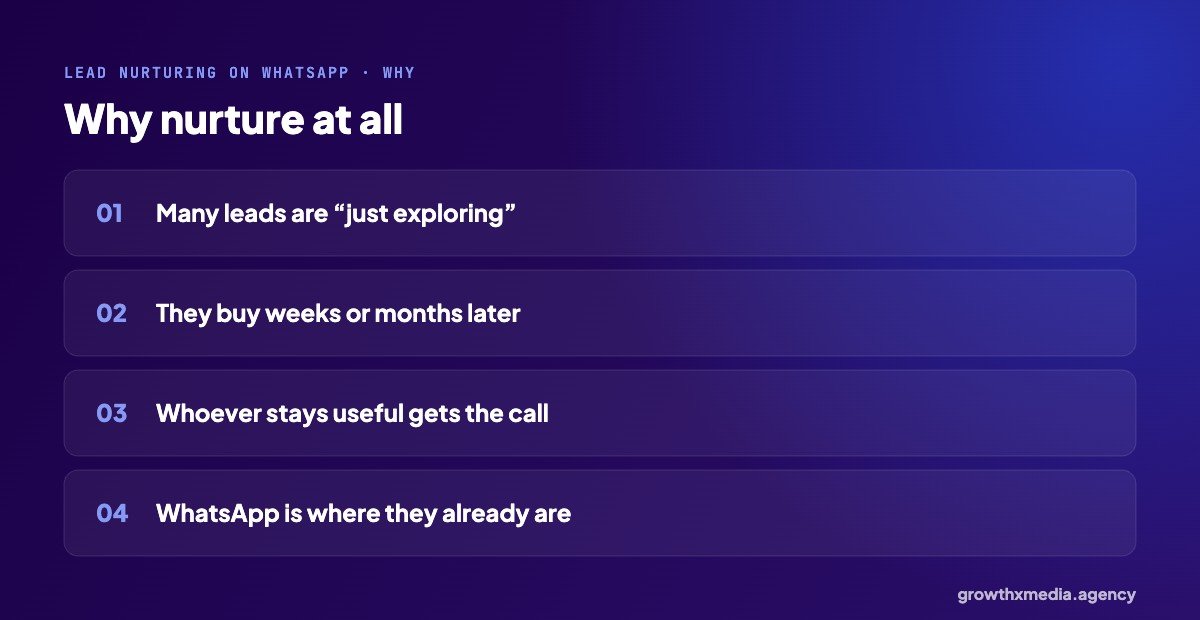
Buyers of property, interiors, machinery and many services take weeks or months to decide. If the only contact is one call on day one, you are forgotten by week three. WhatsApp is where your leads already spend their day, so a short, useful message there gets read. If you are not yet replying fast on day one, start with fast lead follow-up first.
5 steps for lead nurturing on WhatsApp
1. Sort leads by readiness
Use a simple question in the form or chat: buying this month, in 1–3 months, or just exploring. Our guide to lead form questions shows how.
2. Answer their first question properly
Whatever they asked, answer it completely on day one. That is the start of trust.
3. Plan a few useful messages
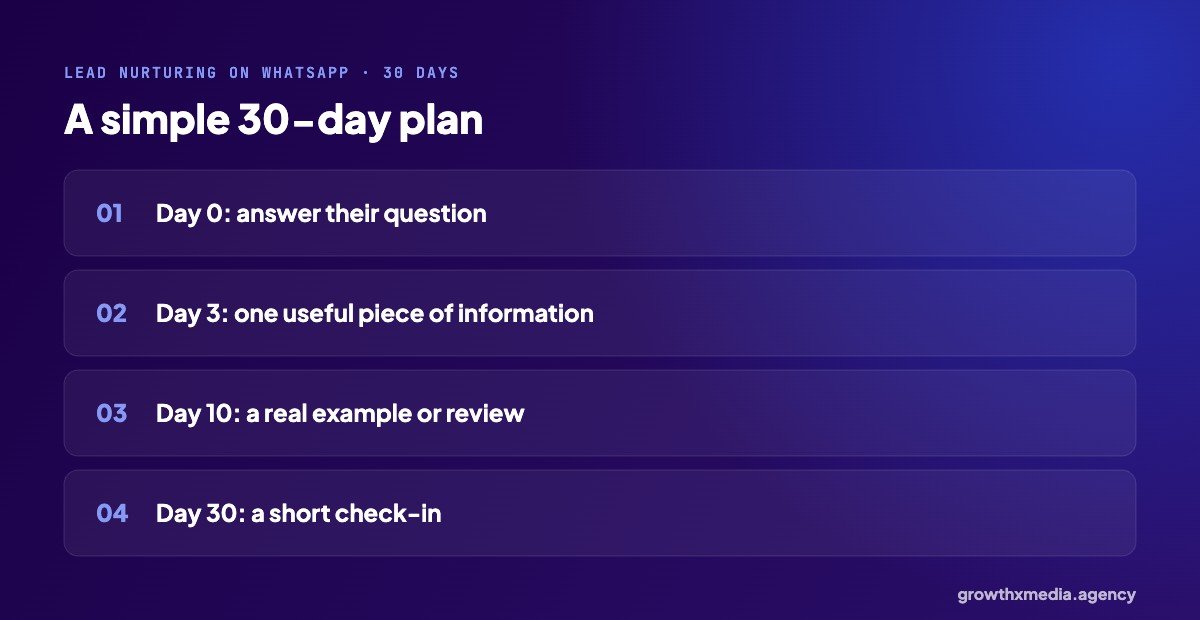
A simple 30-day plan is enough: their answer on day 0, one useful piece of information around day 3, a real example or review around day 10, and a short check-in around day 30.
4. Send things that help them decide
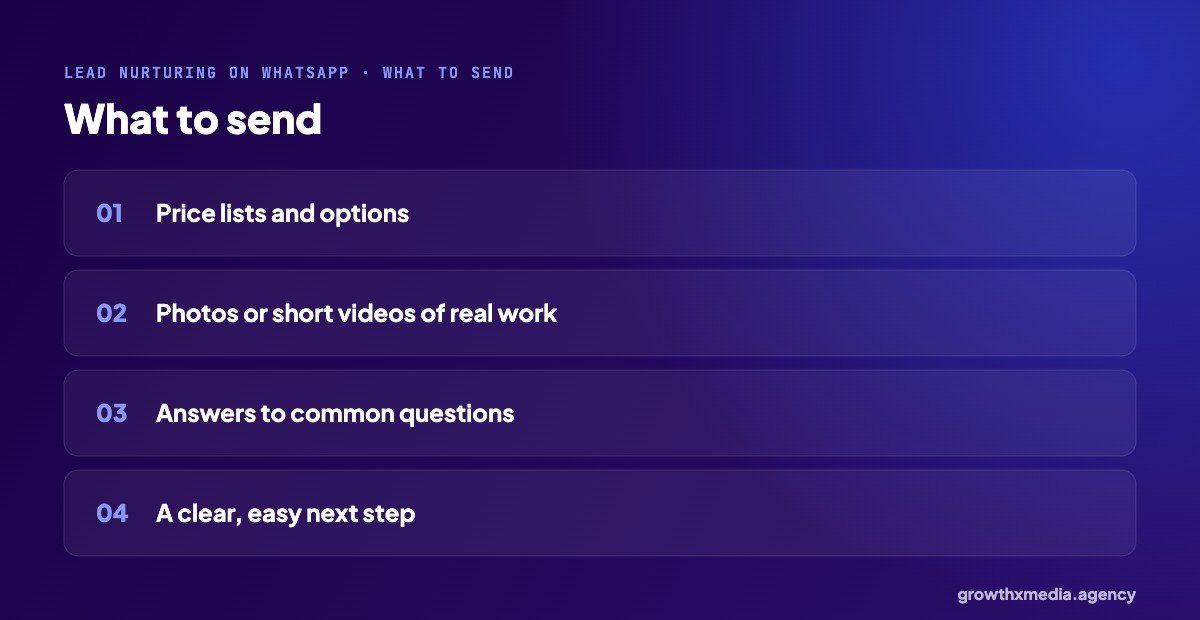
Price lists, photos or short videos of real work, answers to common questions, and a clear next step like a site visit or a call.
5. Hand over at the right moment
When someone replies with real interest, a person should take over the chat straight away.
Keep it useful, not spammy
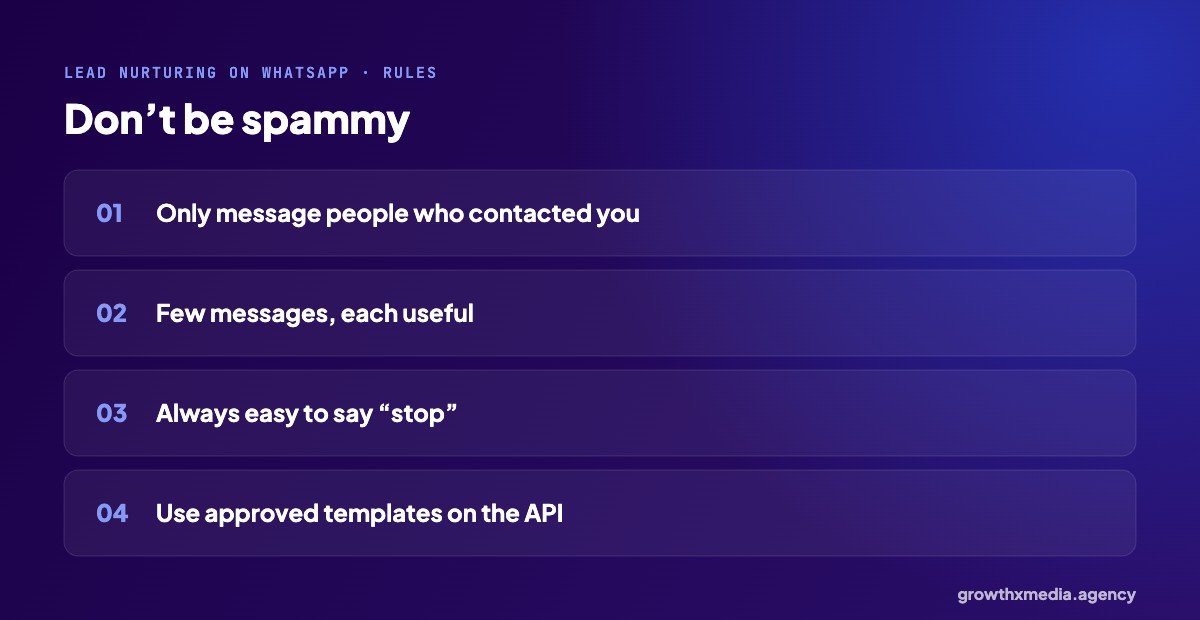
- Only message people who contacted you first.
- A few messages, each with a reason to exist.
- Make it easy to say “no thanks”, and respect it.
- On the WhatsApp Business API, use approved message templates outside the 24-hour window.
Lead nurturing on WhatsApp: App or API?
For a handful of leads a week, the free WhatsApp Business app with labels and quick replies is enough. With hundreds of leads, the API lets you automate the plan and track replies. A dermatology clinic we work with used the WhatsApp API to confirm bookings in real time, and bookings rose 60%. More in the dermatology clinic case study.
Example messages for lead nurturing on WhatsApp
Adapt these to your business and voice. Keep each one short.
Day 0: the answer
“Hi [name], thanks for asking about [product]. The price for [option] is [price]. Would you like photos of a recent one?”
Day 3: something useful
“Hi [name], many people ask us about [common question]. Here’s a quick answer: [short answer]. Happy to help if you have other questions.”
Day 10: proof
“Hi [name], here’s a short video of a [product/project] we finished last month for a customer in [area].”
Day 30: check-in
“Hi [name], just checking whether you’re still looking for [product]. If now isn’t the right time, no problem at all.”
Track what nurturing brings in
Tag every lead that buys after nurturing, so you know it works. Over a few months, you will see how many “just exploring” leads came back. That number usually surprises people, and it changes how you judge your cost per lead.
Who should send the messages?
One named person, ideally the same one each time. Buyers respond better to “Riya from [business]” than to an anonymous brand account, and it keeps the conversation consistent when they are finally ready.
Quick answers
How often should I message a lead?
Less than you think. Good lead nurturing on WhatsApp means three or four useful messages over a month beats one every day.
What if they don’t reply?
A last friendly check-in, then leave it. Lead nurturing on WhatsApp should never feel like chasing. Some will come back on their own when they are ready.
WhatsApp’s own guidance for businesses is on the WhatsApp Business site. Or ask us for a free ad account audit, including your follow-up.
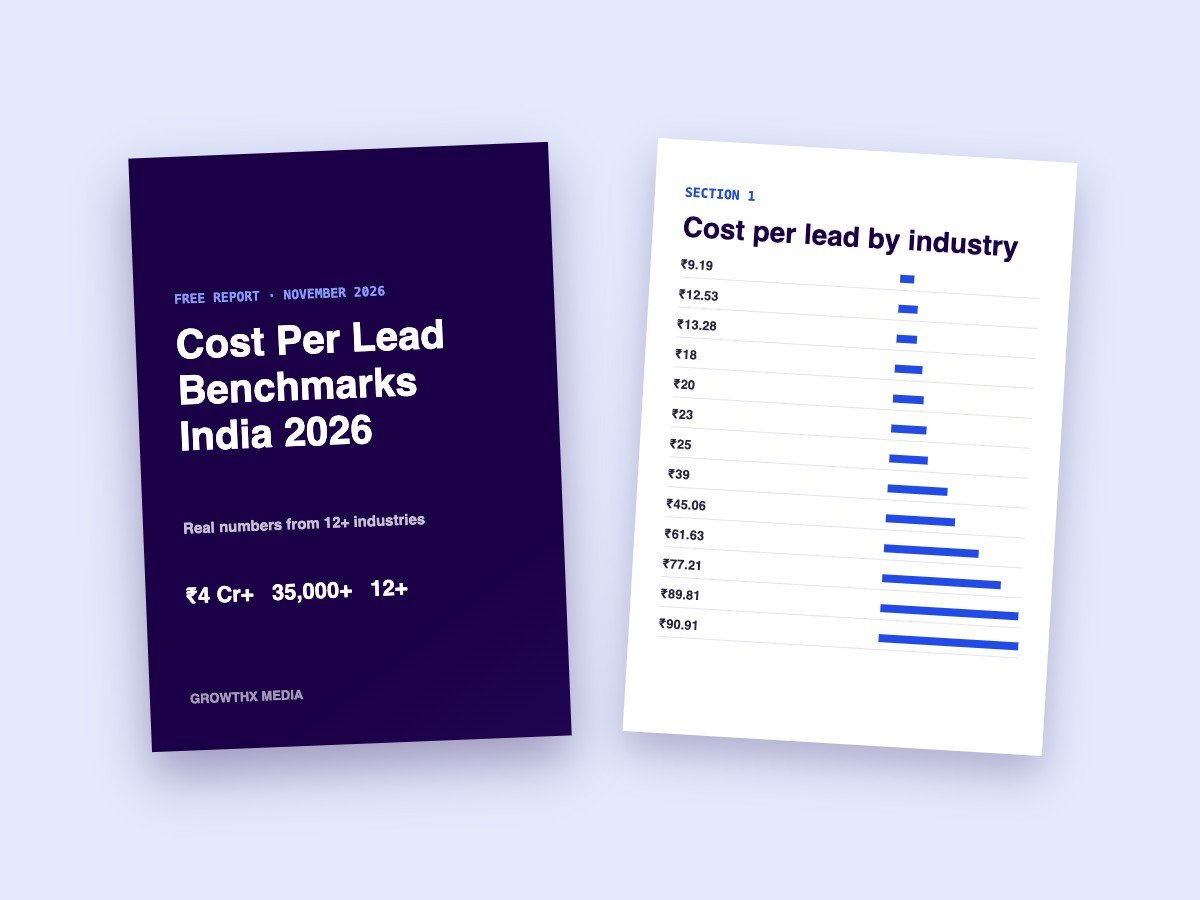
Want every benchmark in one place? Download our free cost per lead report with numbers from 13 industries.