Click to WhatsApp ads are normal Facebook and Instagram ads with one difference: the button opens a WhatsApp chat with your business. In India, where almost every customer lives on WhatsApp, that small change often brings in more conversations at a lower cost than a form.
We have written about the results in our WhatsApp ads case study. This post is the practical part: how to set click to WhatsApp ads up, step by step.
What you need before you start
- A Facebook Page for your business
- A WhatsApp Business account (the free app is fine to start)
- Access to Meta Ads Manager with a payment method
- Someone who can reply to chats quickly during ad hours
That last point matters more than any setting. A cheap chat that nobody answers is wasted money.
Setting up click to WhatsApp ads in 7 steps
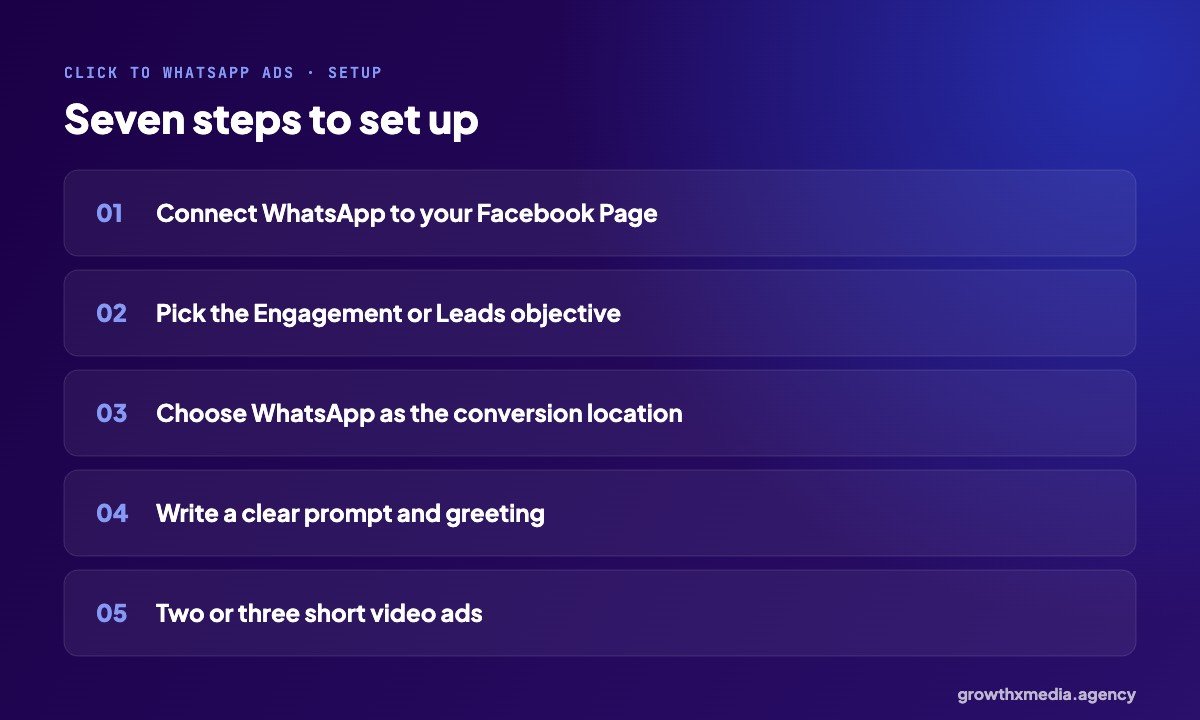
1. Connect WhatsApp to your Page
In your Page settings, link your WhatsApp Business number. Meta sends a code to confirm it.
2. Choose the objective
In Ads Manager, create a campaign with the Engagement or Leads objective. Both let you pick messaging as the goal.
3. Pick WhatsApp as the conversion location
At the ad set level, set the conversion location to messaging apps and choose WhatsApp.
4. Set a small, equal budget per ad
The fashion brand in our case study started with three video ads at ₹100 a day each. That is enough to find a winner.
5. Write the prompt
You can pre-fill the message the buyer sends, like “I want today’s price” or “Is the 2 BHK available?”. A specific prompt gets a better conversation than “Hi”.
6. Set up the greeting
Write the automatic first reply. More on that below.
7. Launch, then move budget to the winner
After a few days, one ad usually pulls ahead. In the fashion account, one video drove 2,417 of 2,590 conversations.
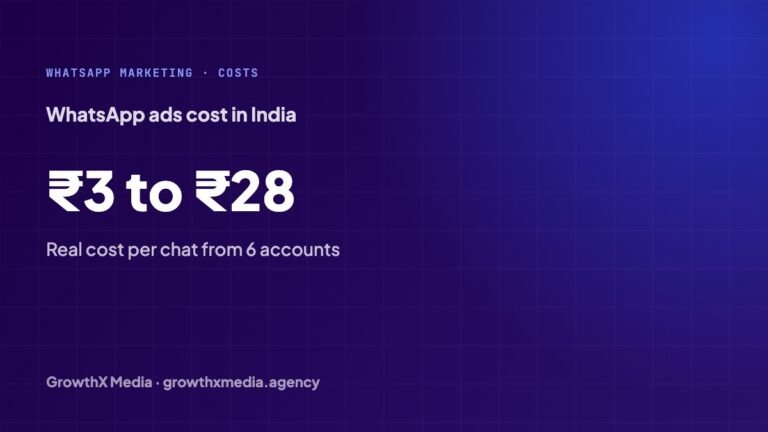
What click to WhatsApp ads cost
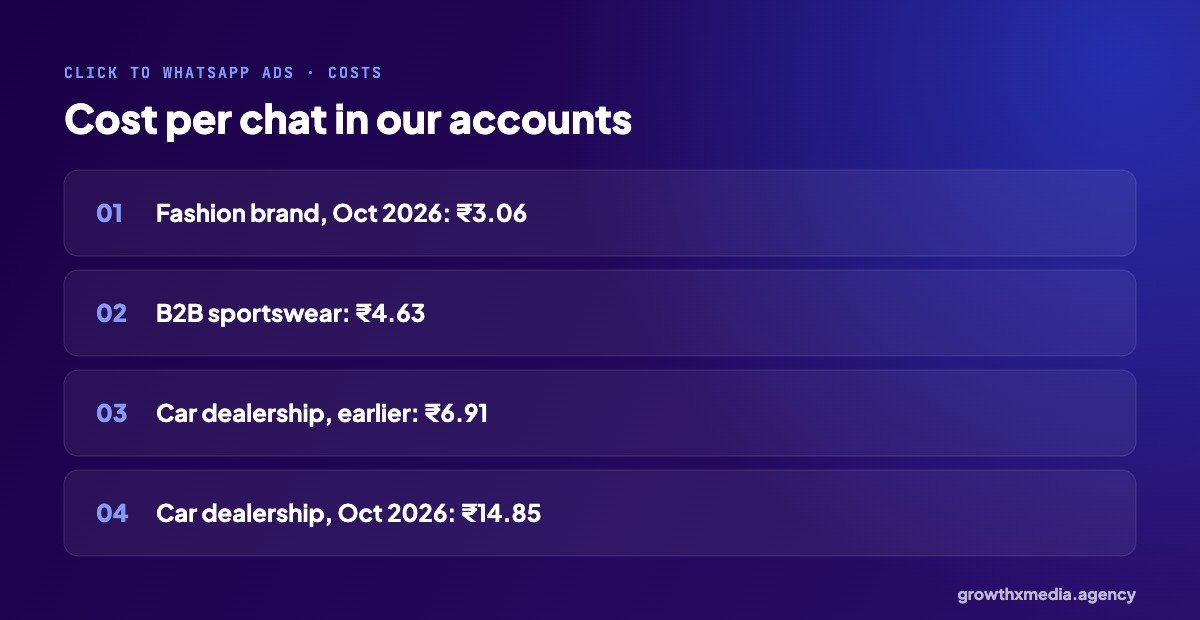
| Account | Chats | Cost per chat |
|---|---|---|
| Fashion brand, Surat (Oct 2026) | 910 | ₹3.06 |
| B2B sportswear manufacturer | 758 | ₹4.63 |
| Automotive dealership (earlier) | 1,690 | ₹6.91 |
| Automotive dealership (Oct 2026) | 700 | ₹14.85 |
| Industrial engineering (Oct 2026) | 53 | ₹27.51 |
Retail runs cheapest because a short product video is enough to start a chat. Higher-value products cost more per chat, which is fine if the order is worth more. See the car dealership leads case study for how one showroom uses it.
The greeting message: get this right
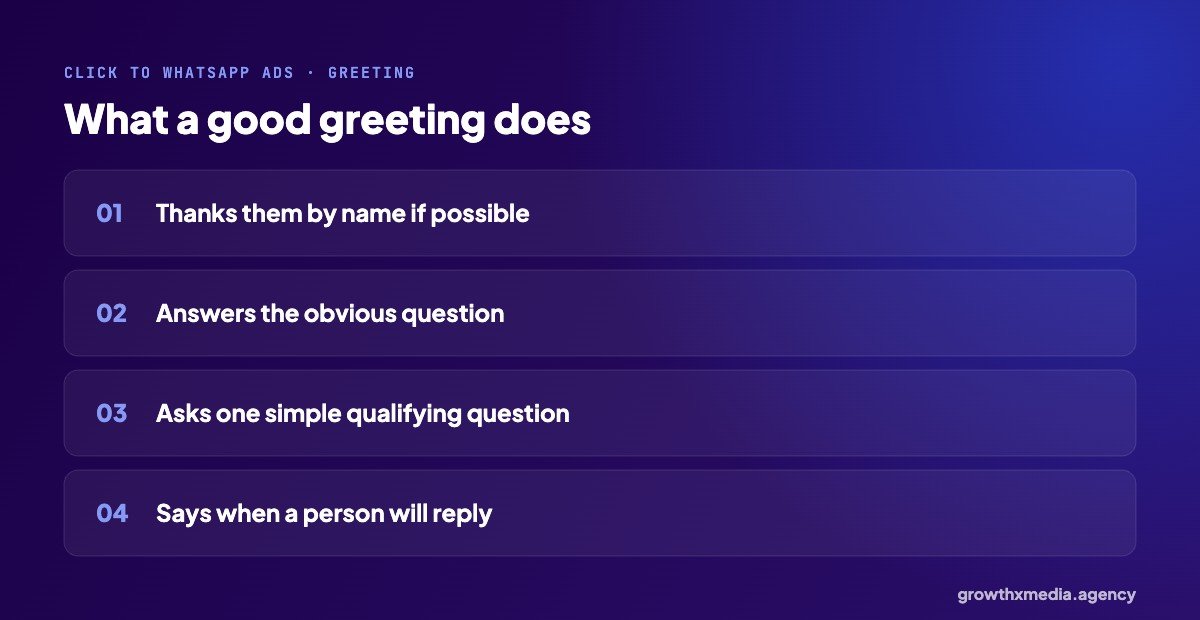
The first reply decides whether the chat becomes a lead. A good greeting thanks the buyer, answers the obvious question if it can, and asks one simple question to understand what they need. It should also say when a real person will reply, especially outside working hours.
For a deeper look at replies, read why your leads aren’t bad, you’re calling them too late.
Who click to WhatsApp ads suit best
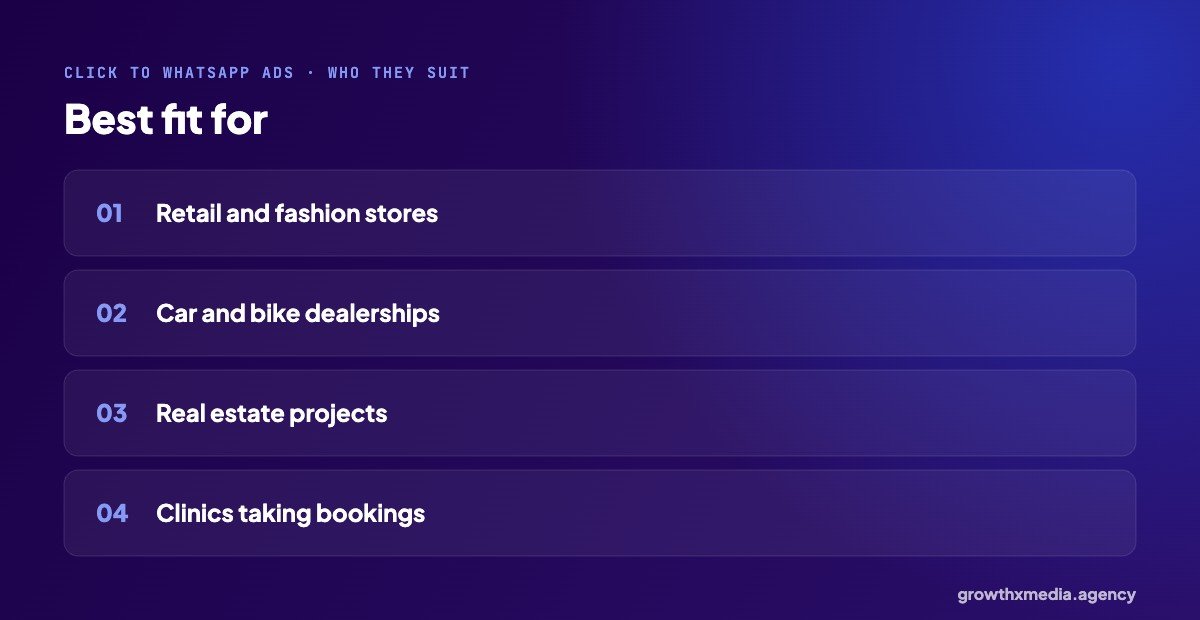
They work best when buyers have a quick question before they buy: retail and fashion, dealerships, real estate projects and clinics taking bookings. They work less well when you need detailed information before any call, or when buyers expect a formal quotation process. In those cases a lead form with questions is usually better.
Common mistakes with click to WhatsApp ads
- No reply plan. Chats arrive and nobody answers.
- One ad only. You never learn which hook works.
- Judging on cost per chat alone. Tag chats that become sales and judge on those.
- Stopping and starting. Steady budgets learn faster.
Click to WhatsApp ads: quick answers
Do I need the WhatsApp Business API?
Not to start. The free app works for a small team. The API helps when you need automatic qualification and routing.
Can I track which chats became sales?
Yes, by tagging chats and, on the API, sending results back to Meta. Our Conversions API guide explains how.
Meta’s own overview is on its ad objectives page. Or ask for a free ad account audit.
More from our accounts: WhatsApp Ads Cost in India: Real Cost Per Chat From 6 Accounts and Facebook Ads for Car Dealers: 700 WhatsApp Chats in One Month.
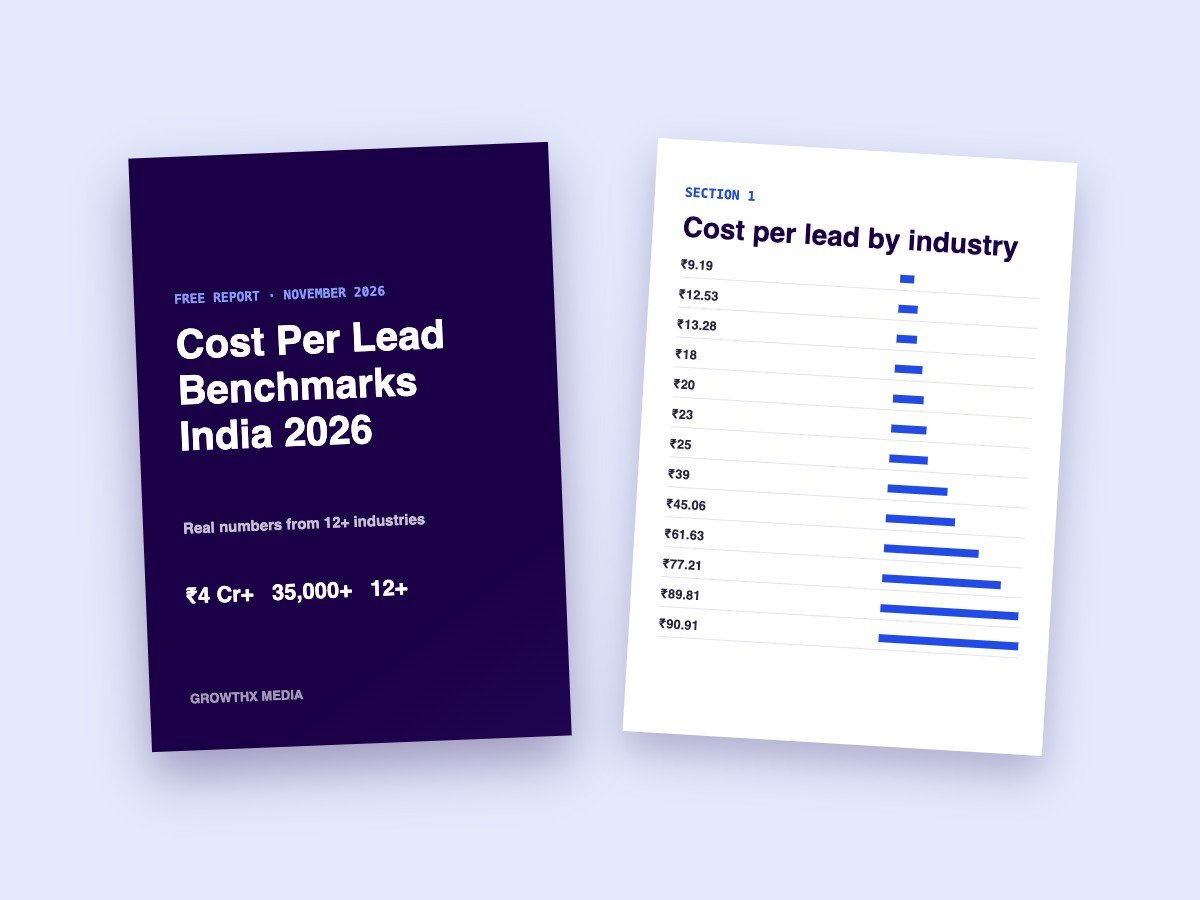
Want every benchmark in one place? Download our free cost per lead report with numbers from 13 industries.