The WhatsApp Business API for lead generation is the upgrade from the free WhatsApp Business app. It lets a whole team handle chats, automate the first replies, route leads to the right person and report on every conversation. It also costs money and takes setup, so it isn’t right for everyone.
App vs API: the difference
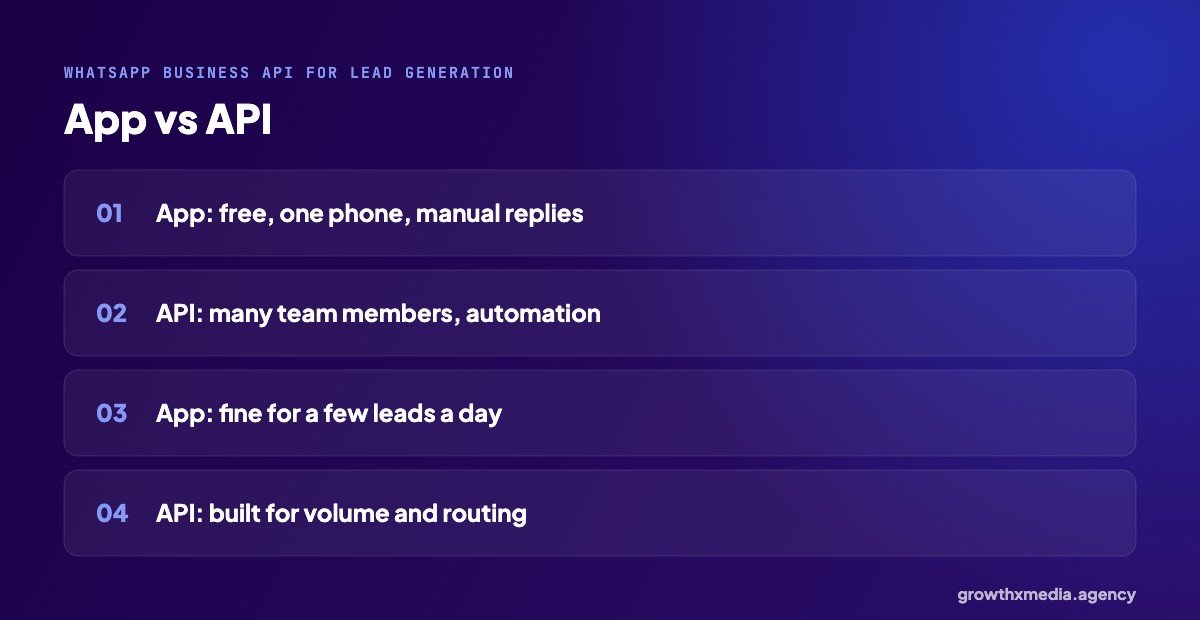
- WhatsApp Business app: free, runs on a phone (plus linked devices), replies are mostly manual, with simple greeting and away messages.
- WhatsApp Business Platform (API): accessed through a provider, many team members at once, automation, integrations with CRMs, and approved message templates.
For a business getting a few leads a day, the app is often enough, and the WhatsApp Business API for lead generation can wait. Once leads come in by the dozen from ads, the API starts paying for itself.
5 uses of the WhatsApp Business API for lead generation
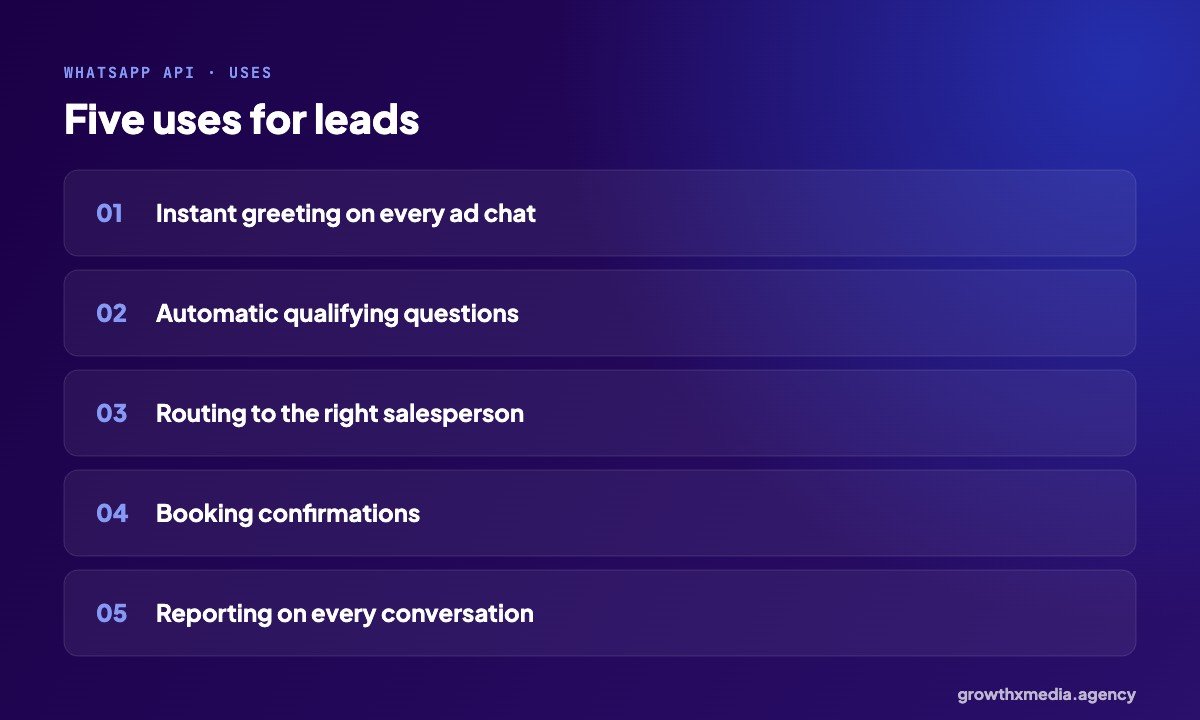
- Instant greeting on every chat from a click-to-WhatsApp ad, day or night.
- Automatic qualifying questions before a person joins.
- Routing to the right salesperson, branch or showroom.
- Booking confirmations sent automatically.
- Reporting on chats, replies and outcomes.
Real examples
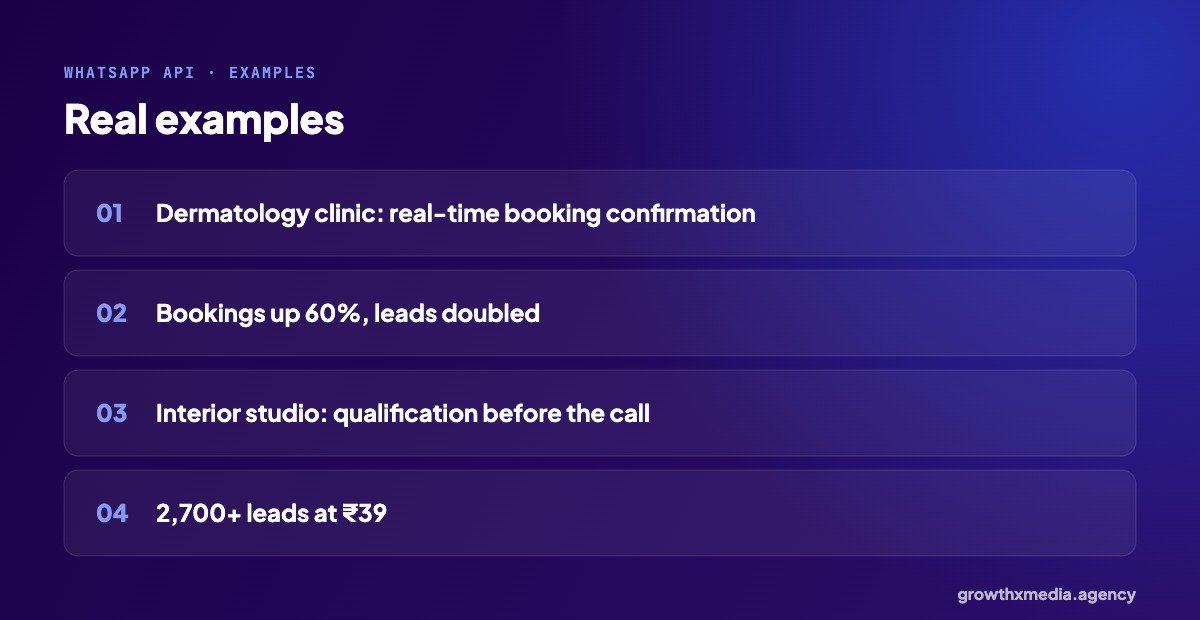
A dermatology clinic we work with used the WhatsApp API for real-time booking confirmation. Lead volume doubled in the first month and appointment bookings rose 60%. A turnkey interior studio used API-based qualification before every sales call, and got more than 2,700 leads at ₹39. See the dermatology and interior design case studies.
Getting started with the WhatsApp Business API for lead generation
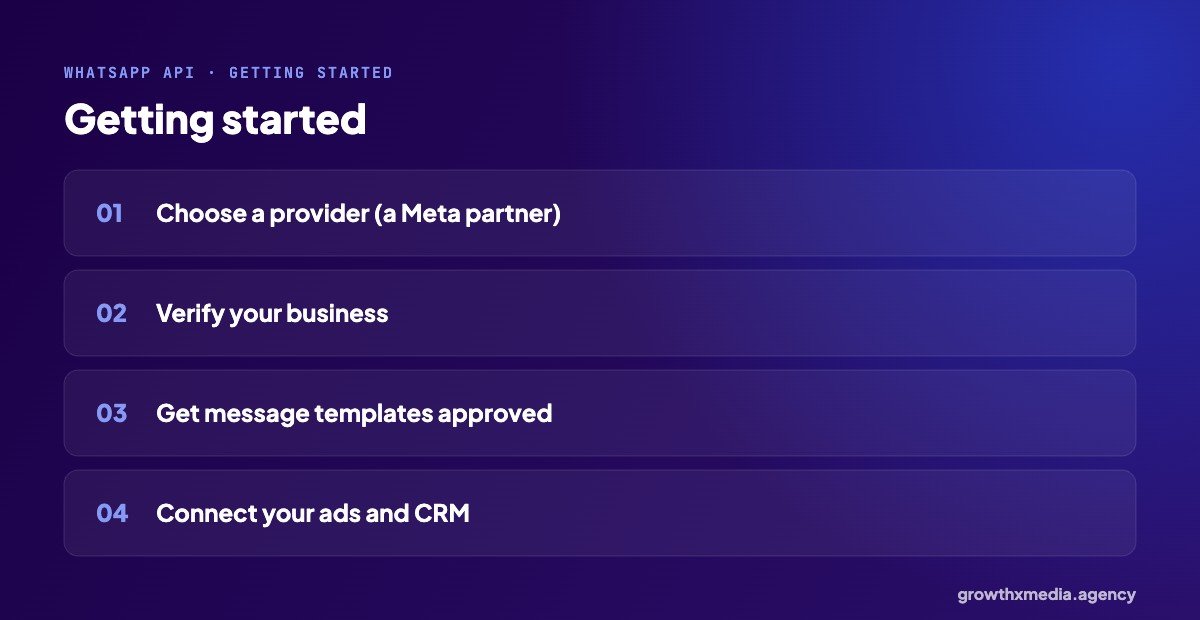
- Choose a provider; Meta lists official partners.
- Verify your business in Meta Business Manager.
- Get your message templates approved for messages sent outside the 24-hour window.
- Connect it to your click-to-WhatsApp ads and your CRM.
If you are just starting with WhatsApp ads, begin with the app and our click to WhatsApp ads guide. Move to the API when replying by hand becomes the bottleneck.
Costs to expect
When you budget for the WhatsApp Business API for lead generation, remember that Meta charges per conversation or message depending on type and country, and providers charge a platform fee. Prices change, so check the current rates on Meta’s site and with your provider before deciding.
A typical WhatsApp Business API for lead generation flow
- A buyer taps a click-to-WhatsApp ad.
- The API sends an instant greeting and the first question.
- Two or three more questions sort the lead: need, timing, location.
- Hot leads are assigned to a salesperson, who gets a notification with the answers.
- Warm leads get a short series of useful messages over the next weeks.
- Every chat is tagged with an outcome, and sales can be sent back to Meta.
Each step can be done by hand on the free app. The API does it automatically, for every chat, at any hour.
Signs you have outgrown the free app
- Chats wait hours because the person with the phone is busy.
- Several salespeople need to reply from one number.
- Nobody knows which chats came from ads or what happened to them.
- Leads arrive at night and go cold by morning.
If two or more of these sound familiar, the WhatsApp Business API for lead generation will probably pay for itself. If not, keep using the app and focus on fast follow-up.
Choosing a provider
Ask providers about pricing on top of Meta’s charges, how chat assignment works for your team, whether it connects to your CRM, and how they handle message templates. A short trial with your real ads is the best test.
Quick answers
Can I keep my existing number?
Usually yes. Whether you can keep using the same number in the normal app as well depends on your provider and Meta’s current rules, so check before you switch.
Is the API needed for click-to-WhatsApp ads?
No. The free app works with click-to-WhatsApp ads. The API helps when volume grows.
See the official WhatsApp Business Platform page. Or ask for a free ad account audit covering your follow-up.
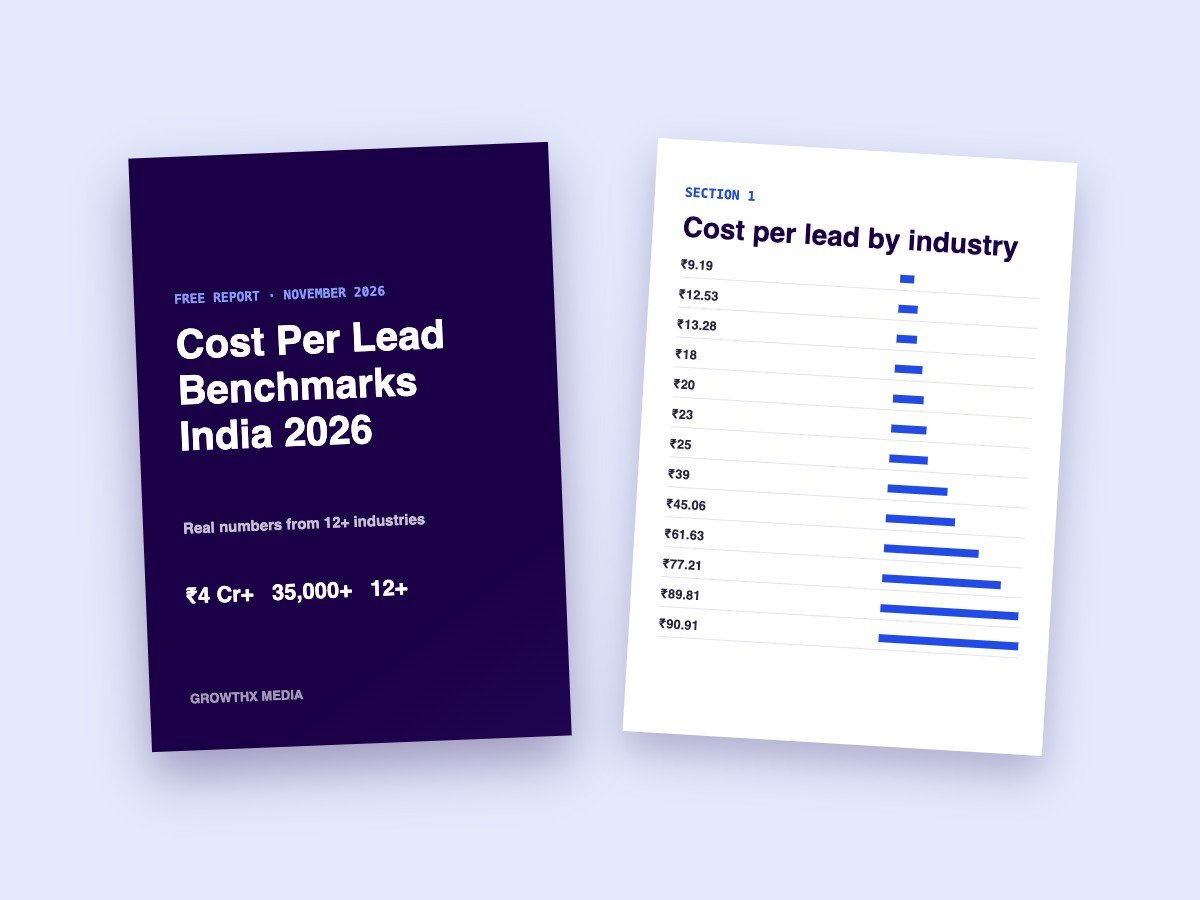
Want every benchmark in one place? Download our free cost per lead report with numbers from 13 industries.